
Exclusive access
Takes exclusive control of a compatible wired DAC or audio interface to prevent interference from other apps.

CoverFlow, immersive album artwork, and FLAC, DSF & DXD playback on Mac.
Mac · iPhone · iPad · Watch · Apple TV
MusicCovered is a macOS app built for people who love their music library. It brings listening and browsing together, with albums, cover art, tracklists, and metadata at the heart of the experience.
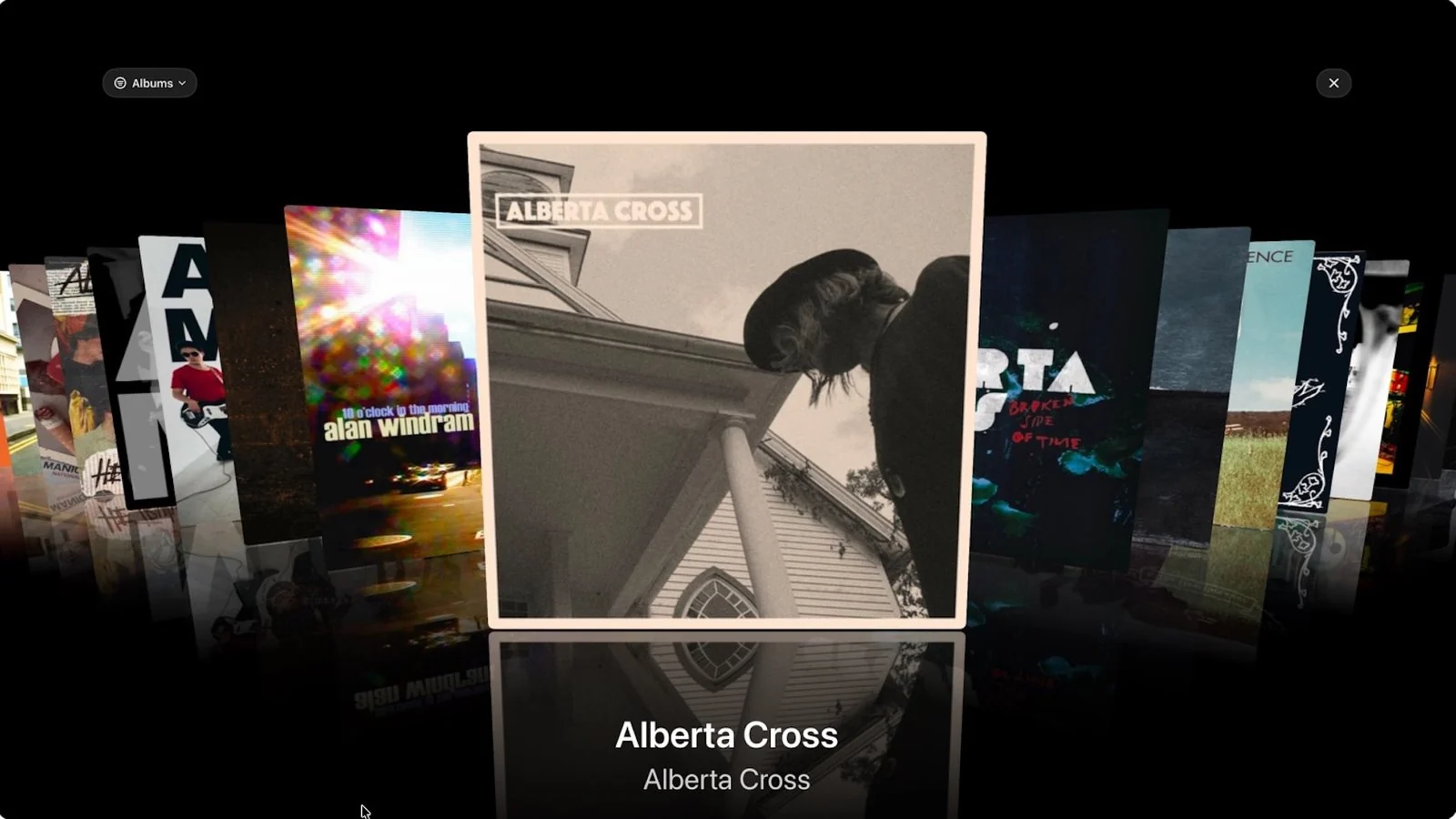
MusicCovered takes an album-first approach, designed for listeners who organize their collection with care and enjoy choosing music through its artwork. Immersive, visual browsing makes it easy to revisit favorite records and rediscover albums you haven't played in a while.
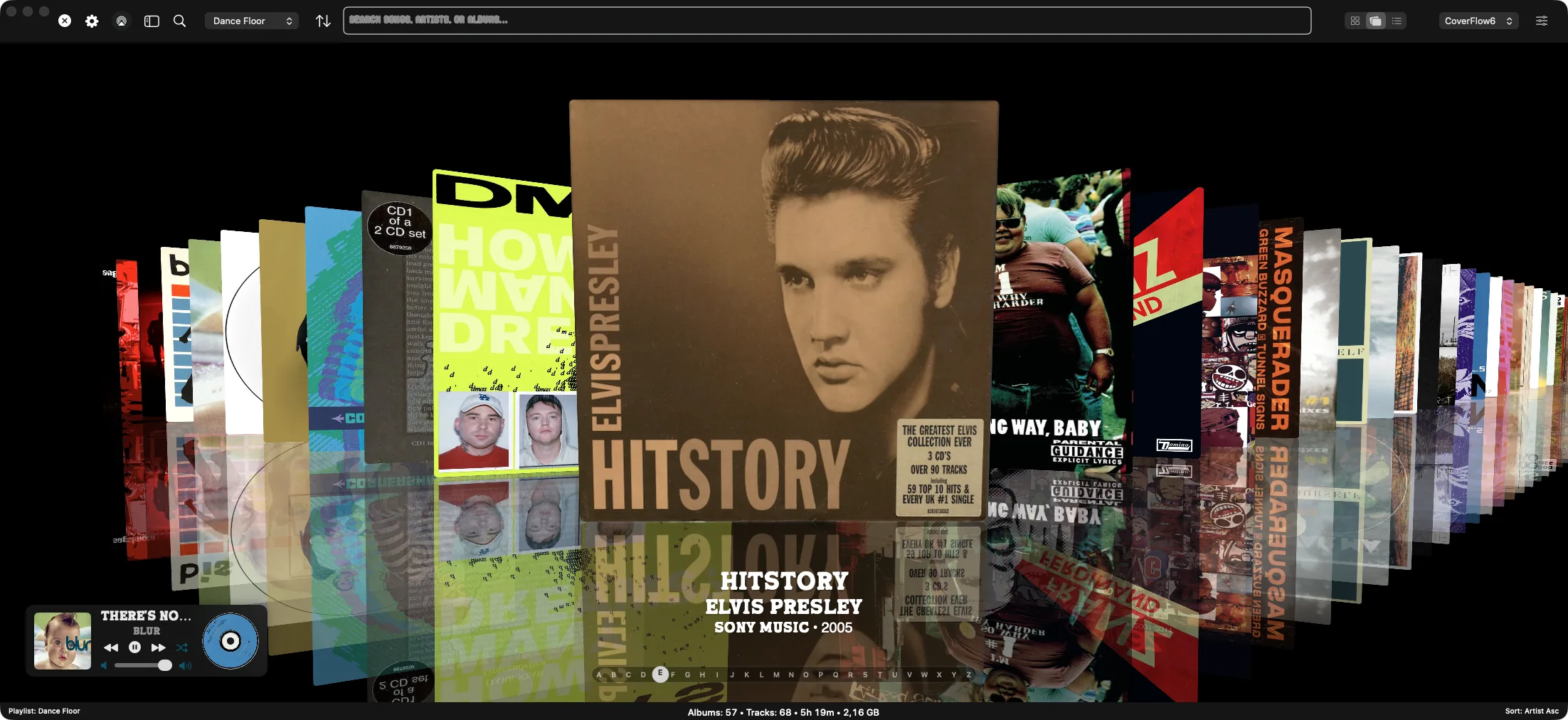
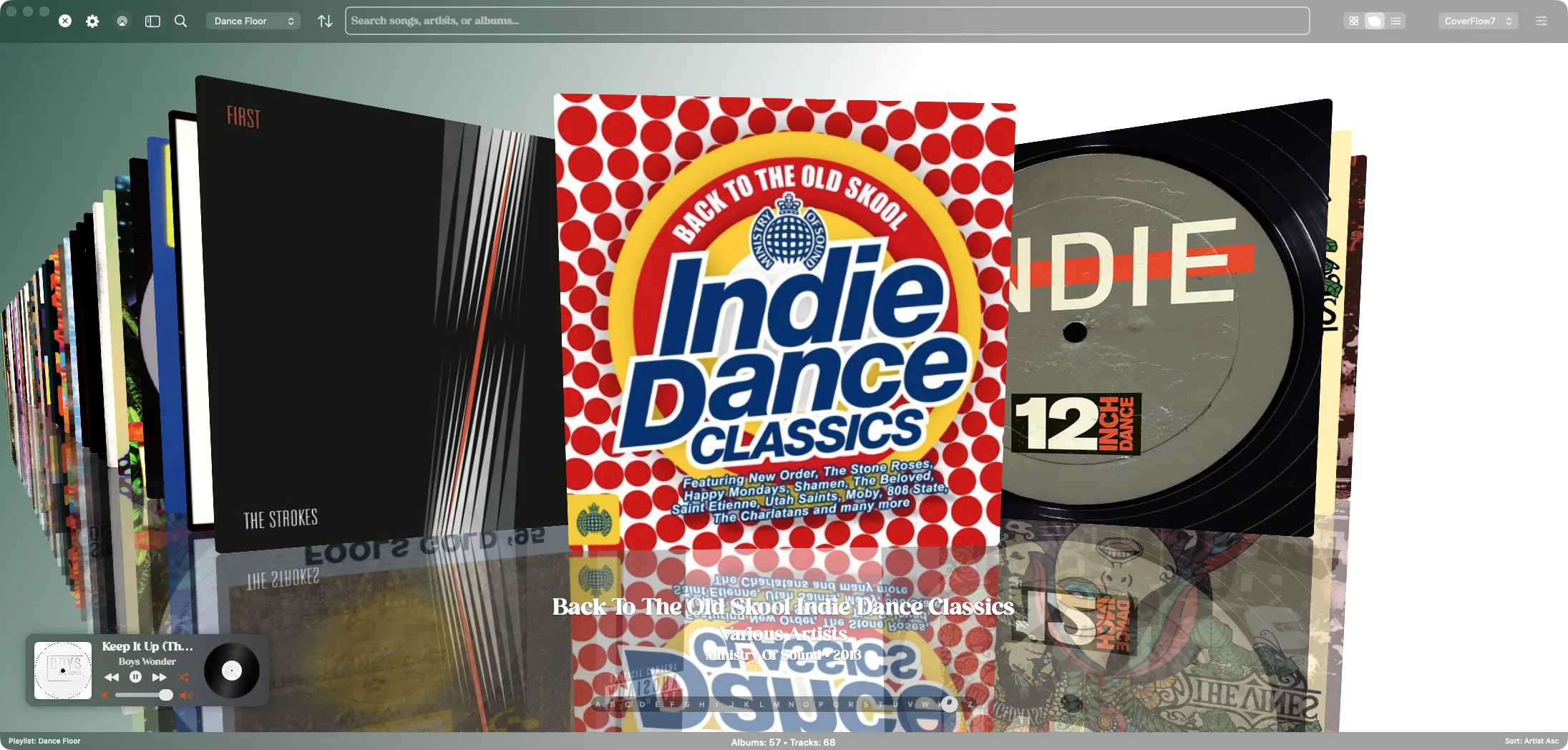
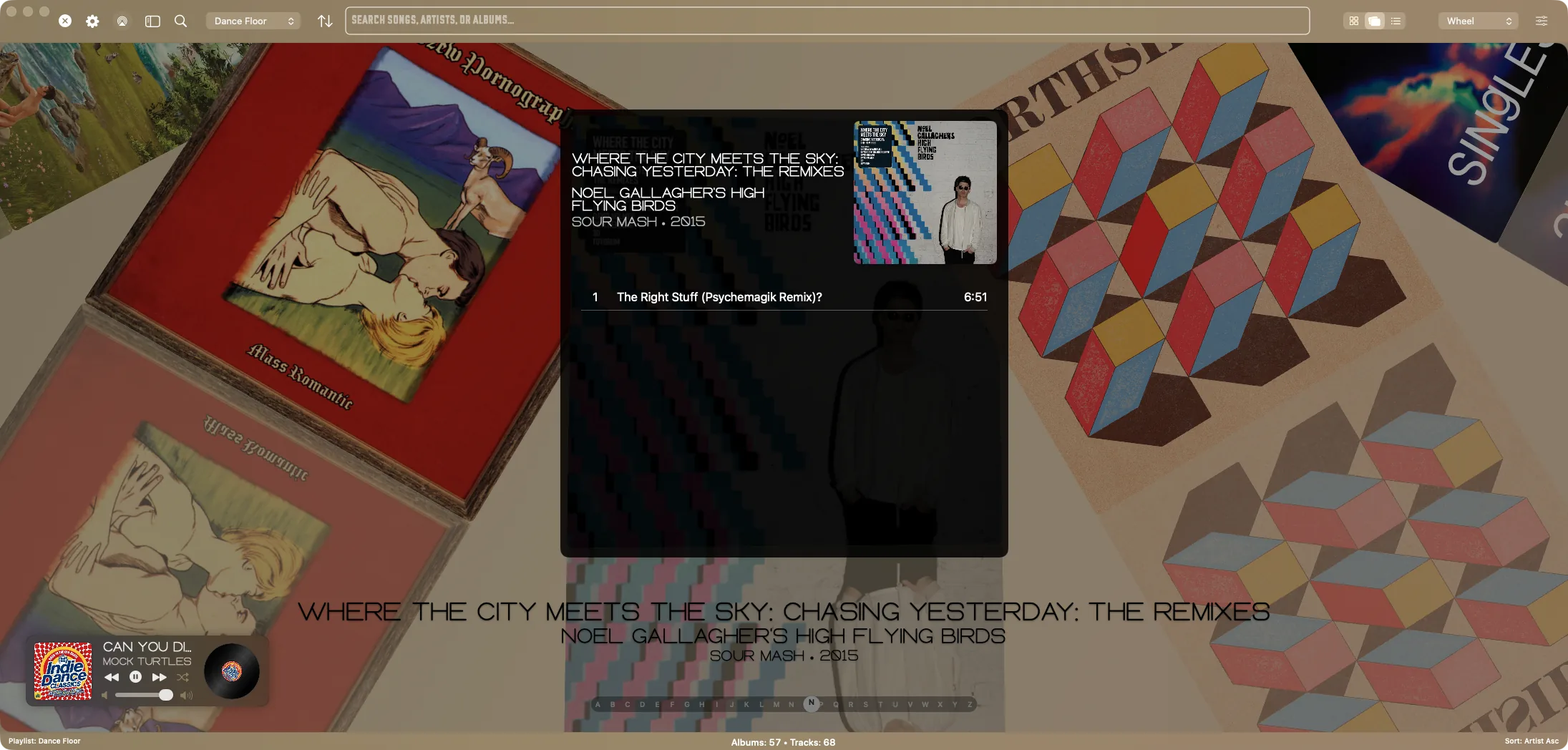
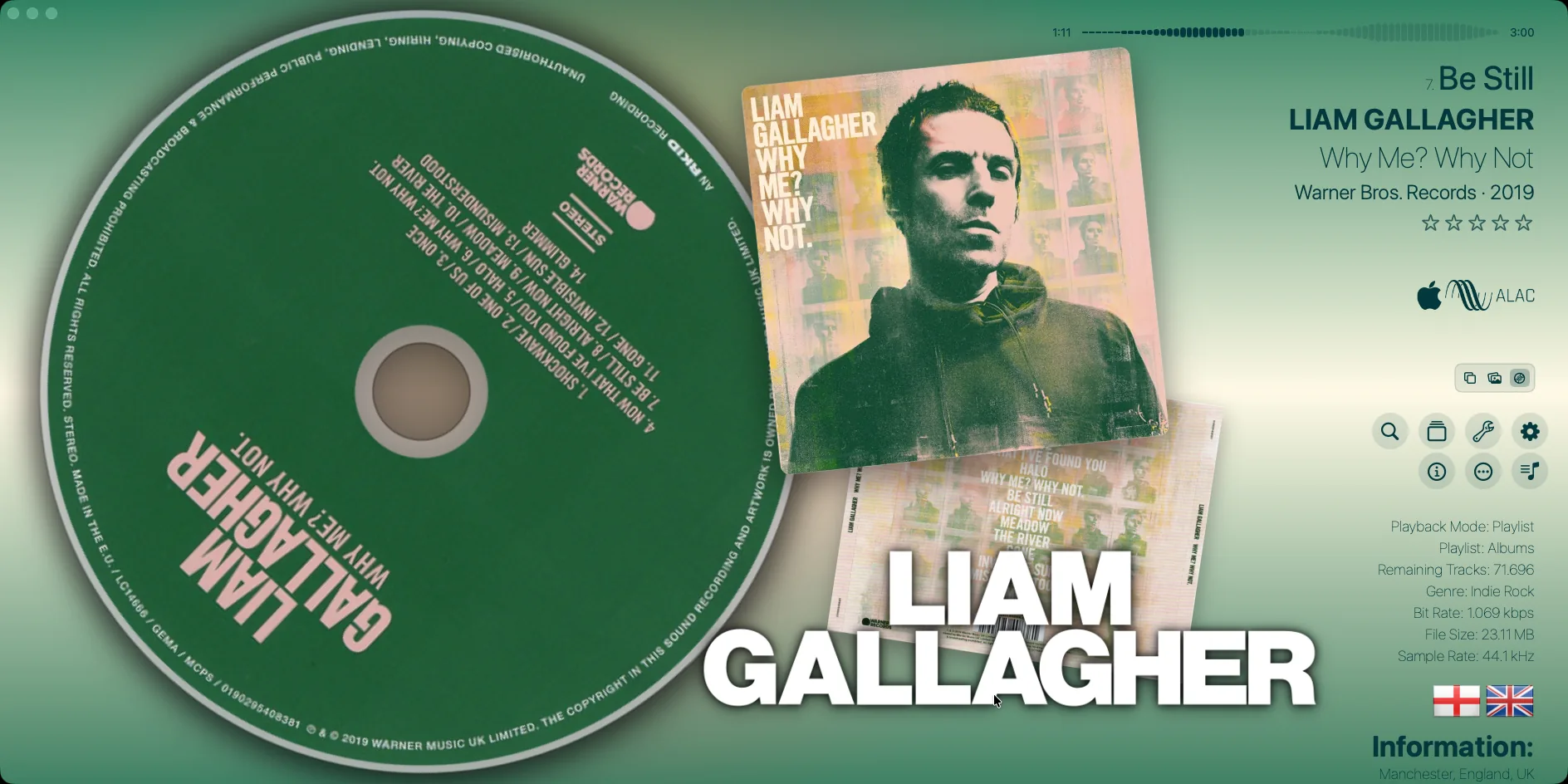
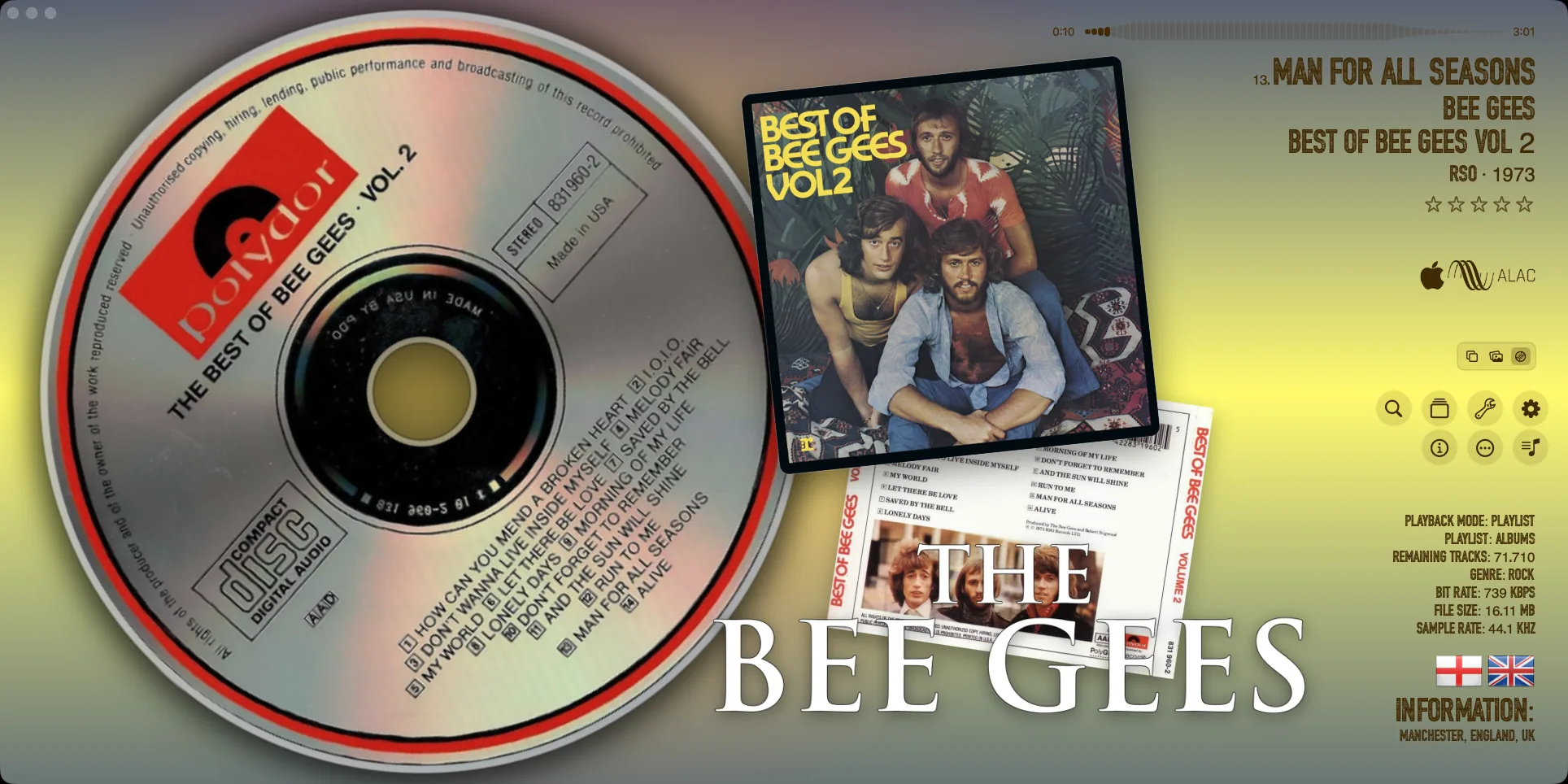
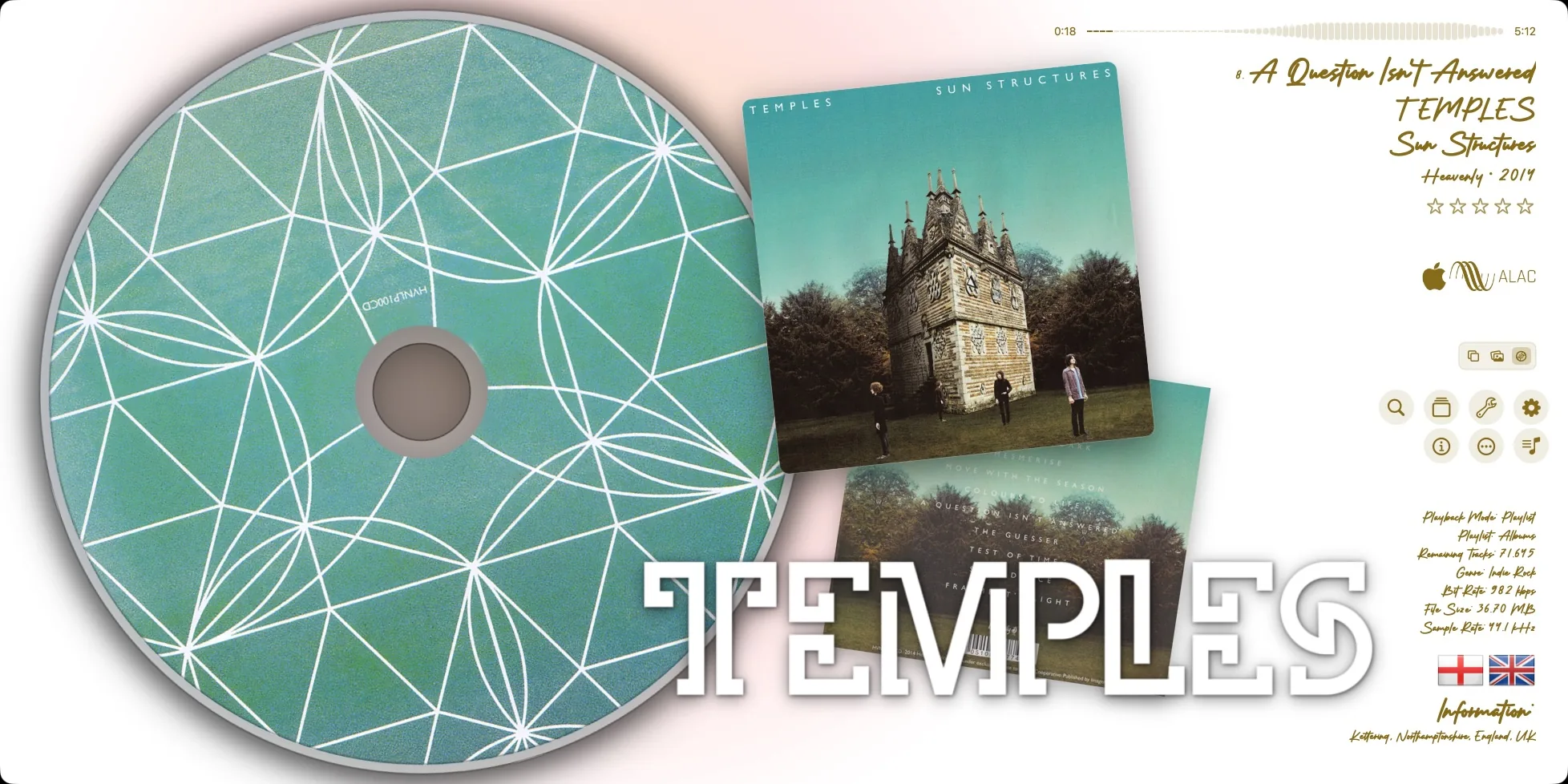
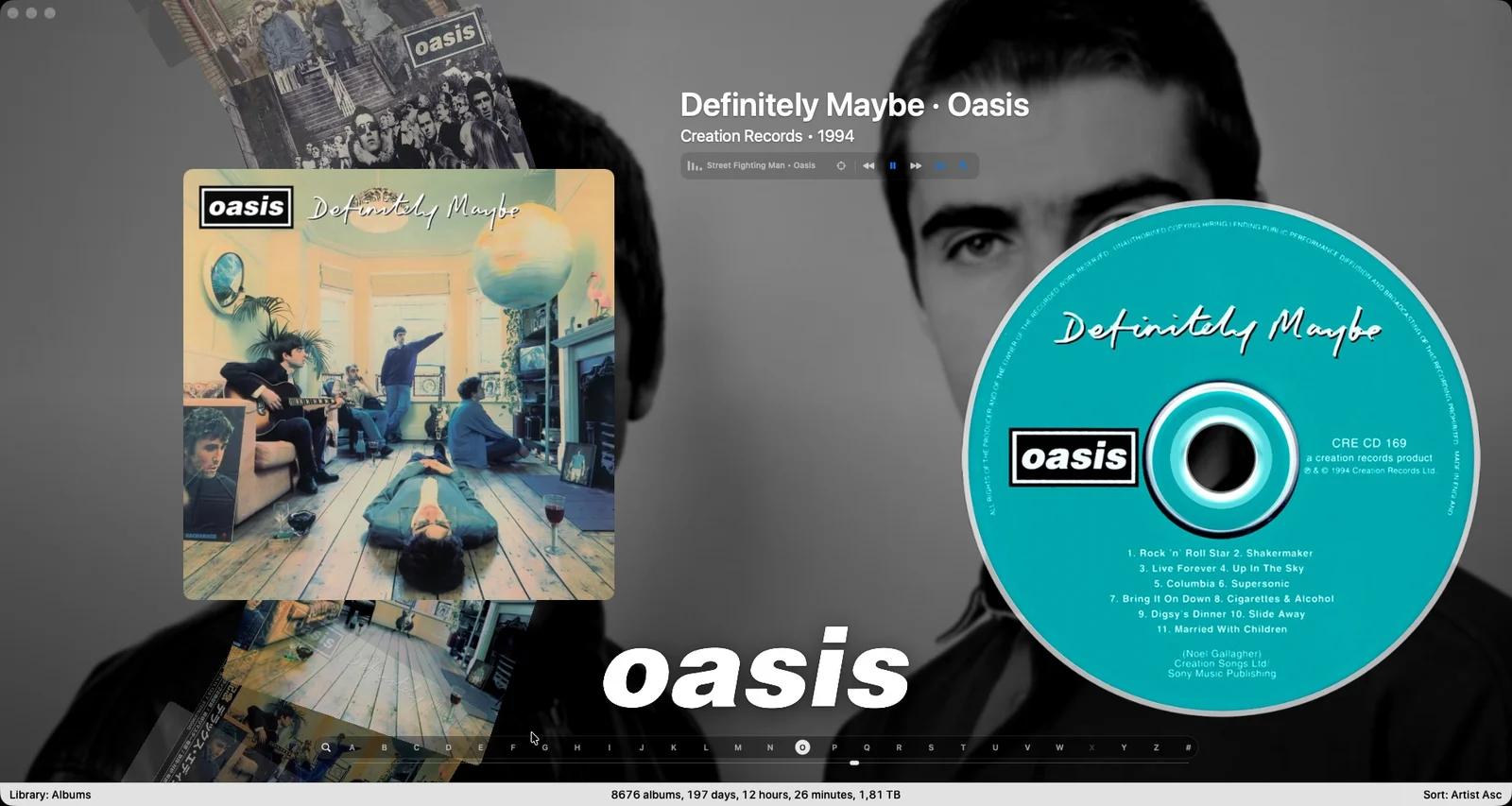
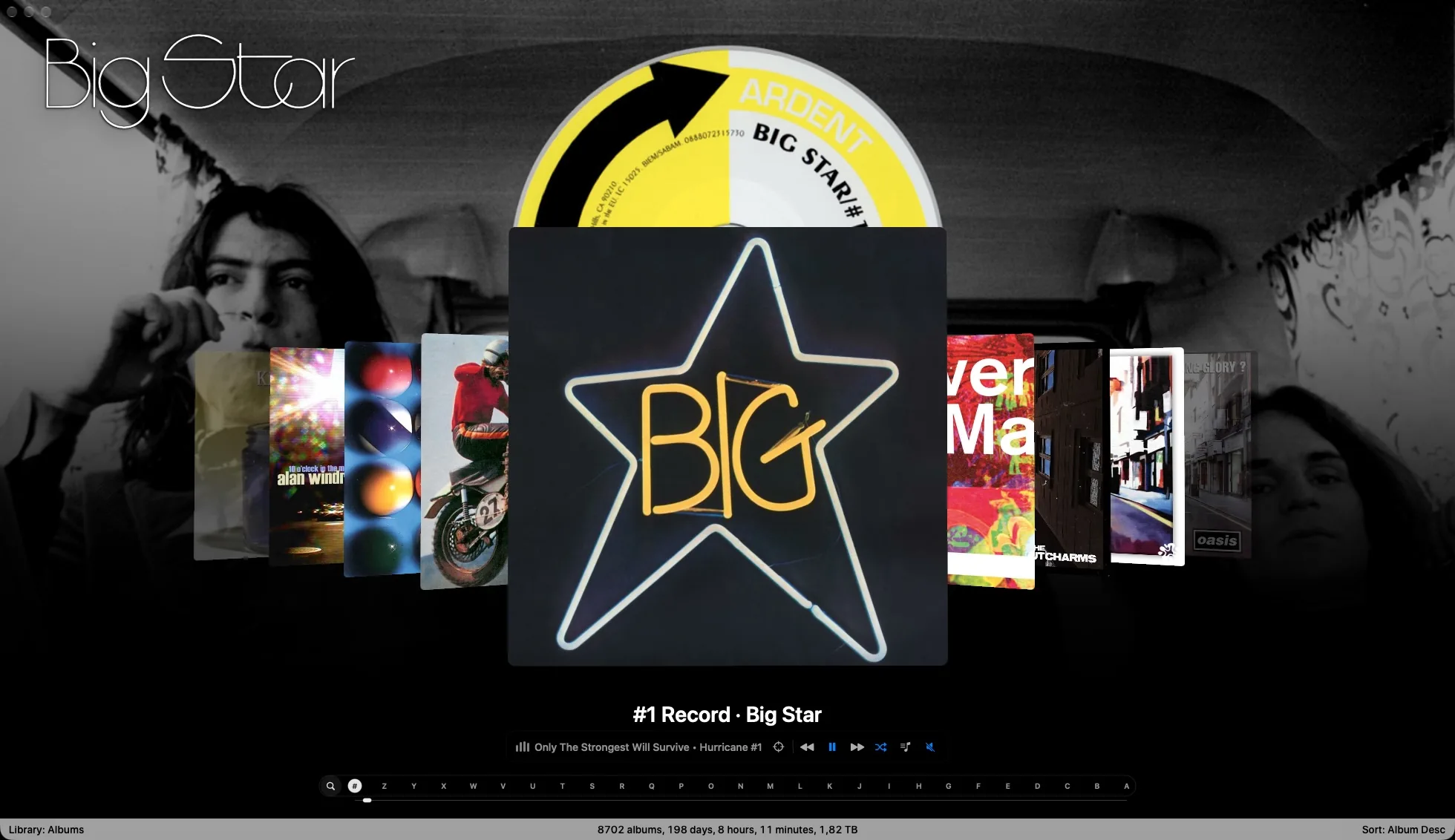
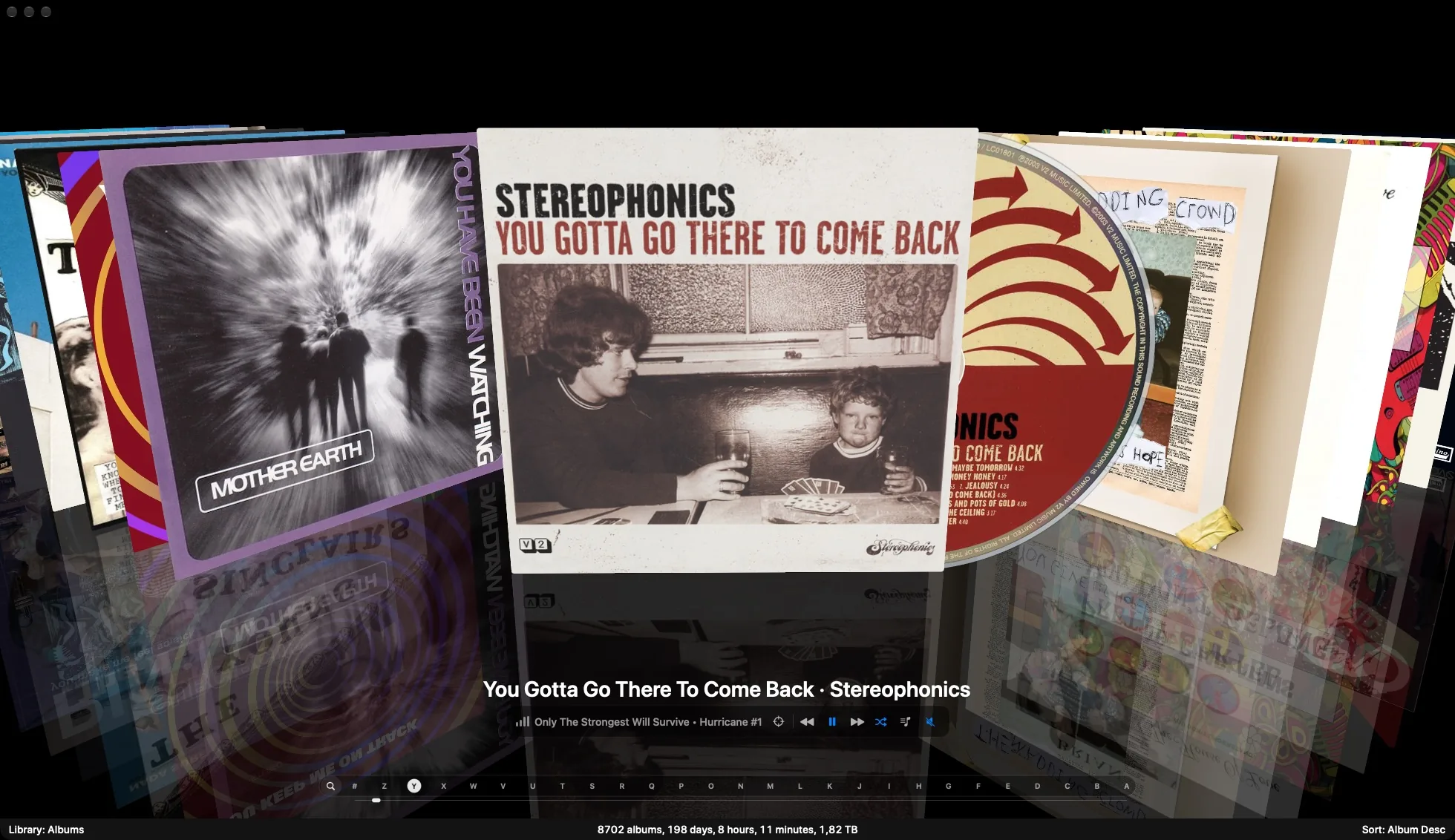
A signature part of the experience is the choice of 20 CoverFlow variants, alongside CoverGrid and Album List. Each offers a different way to explore artists and albums, giving your library the character of a personal collection you can browse at your own pace.
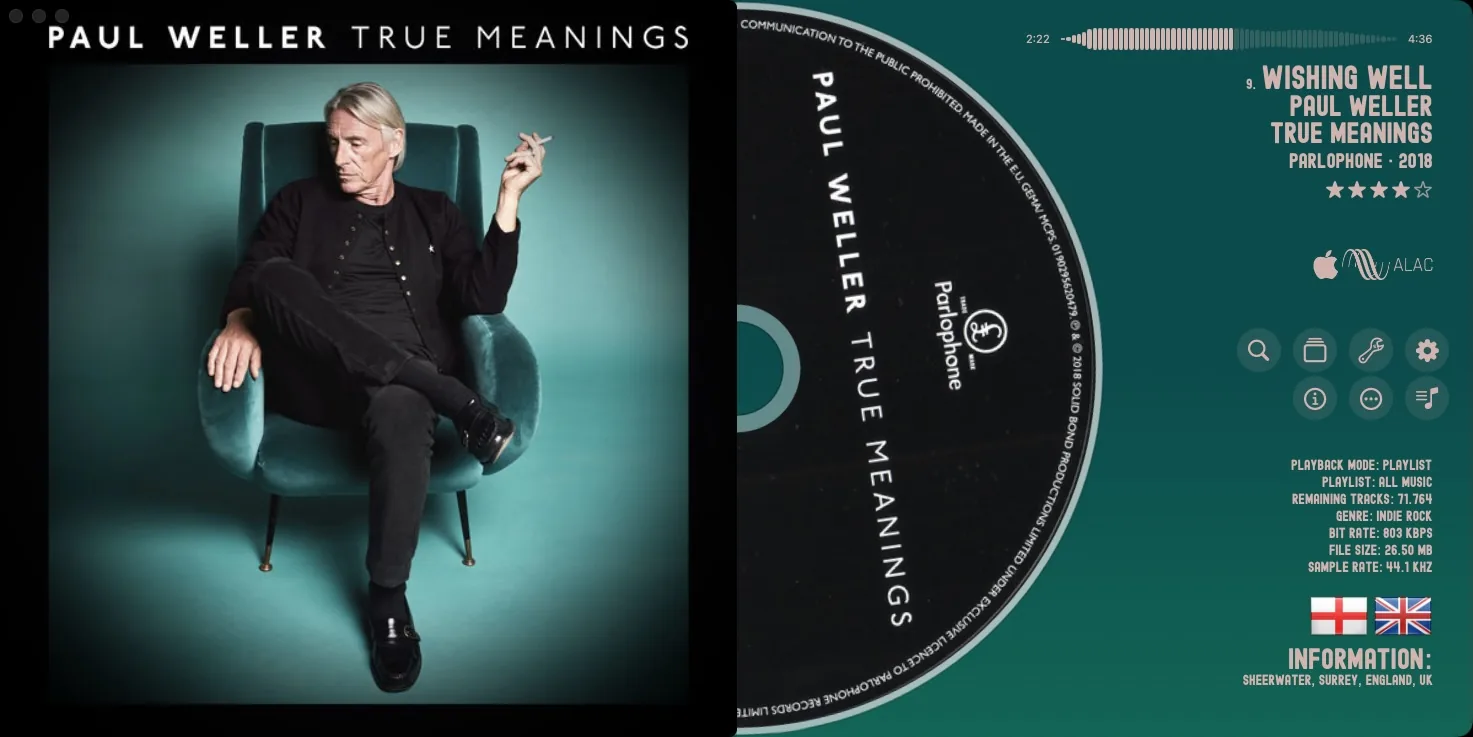
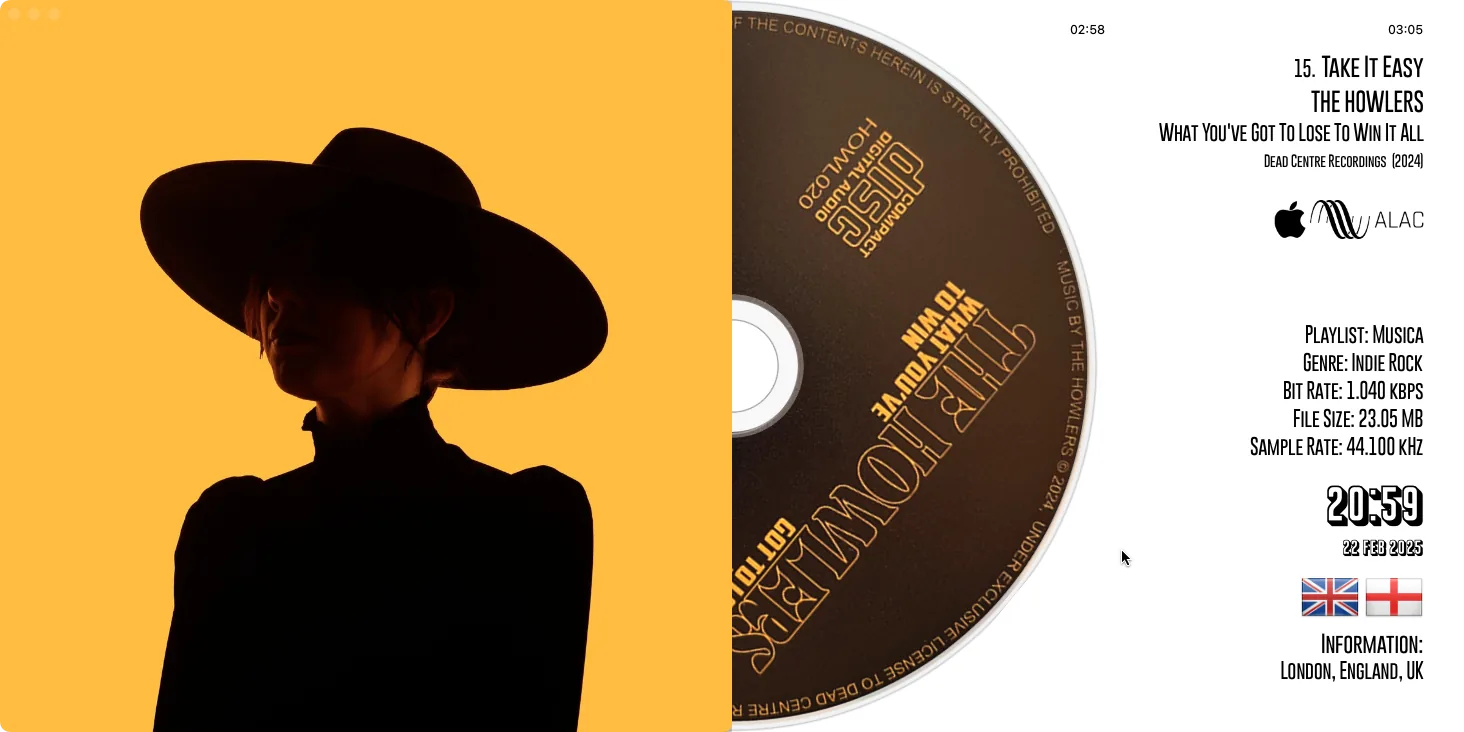
The details matter, too: large album covers, spinning vinyl and CDs, rich track information, lyrics, and booklet pages when available. Together with high-quality audio playback, fast search, and metadata tools, they create a complete environment for enjoying and managing your music.
Take your music further with MusicCovered Mobile: the iPhone and iPad apps are independent audio players and can also control MusicCovered on Mac. Connect your Plex music library, explore radio stations from around the world, or enjoy your collection on Apple TV, with the Mac app providing access to your library.
MusicCovered is available on the Mac App Store.
Listen, explore, and make your music collection your own.
Play your local music on Mac with support for FLAC, DSF and DXD, alongside MP3, M4A, WAV, ALAC, AIFF and more.
Keep live recordings, classical works and concept albums flowing. Compatible local tracks continue automatically through the same direct audio stream, preserving the samples without added silence or crossfade. Explore audio playback.
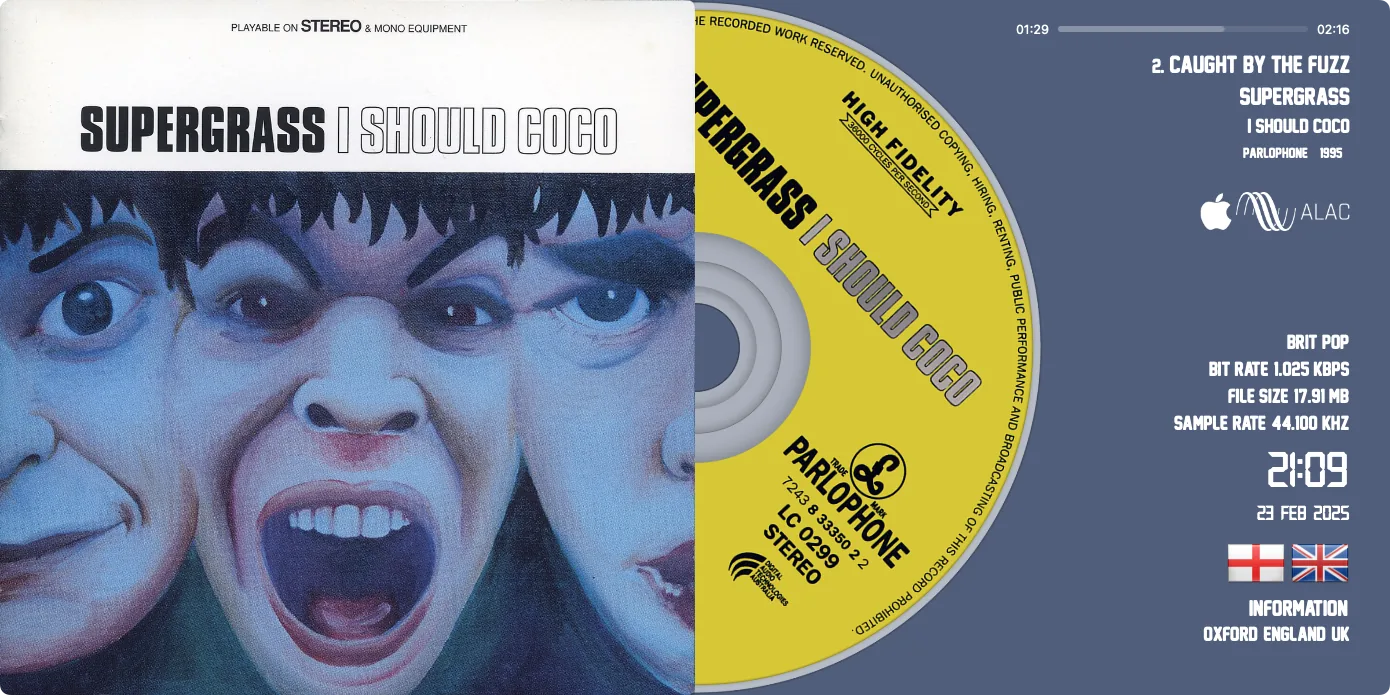
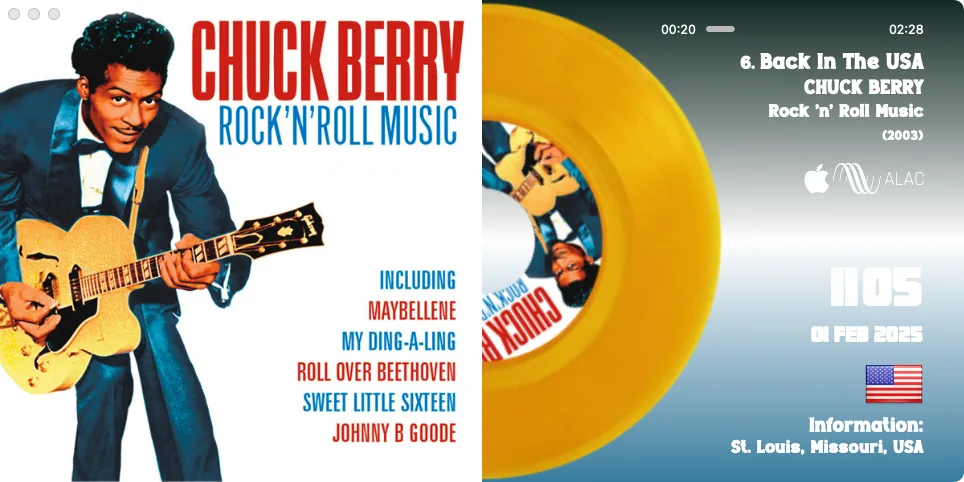
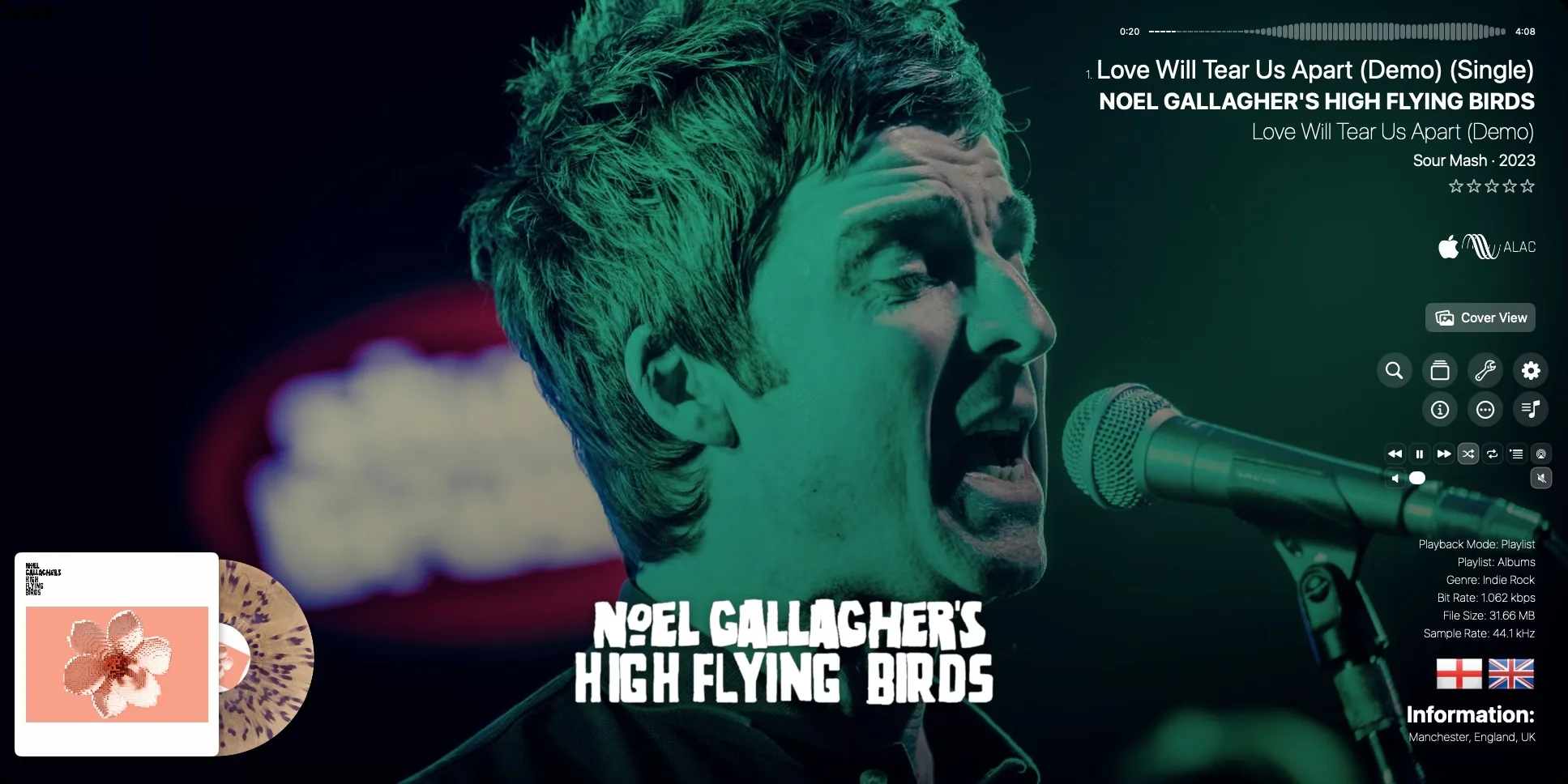
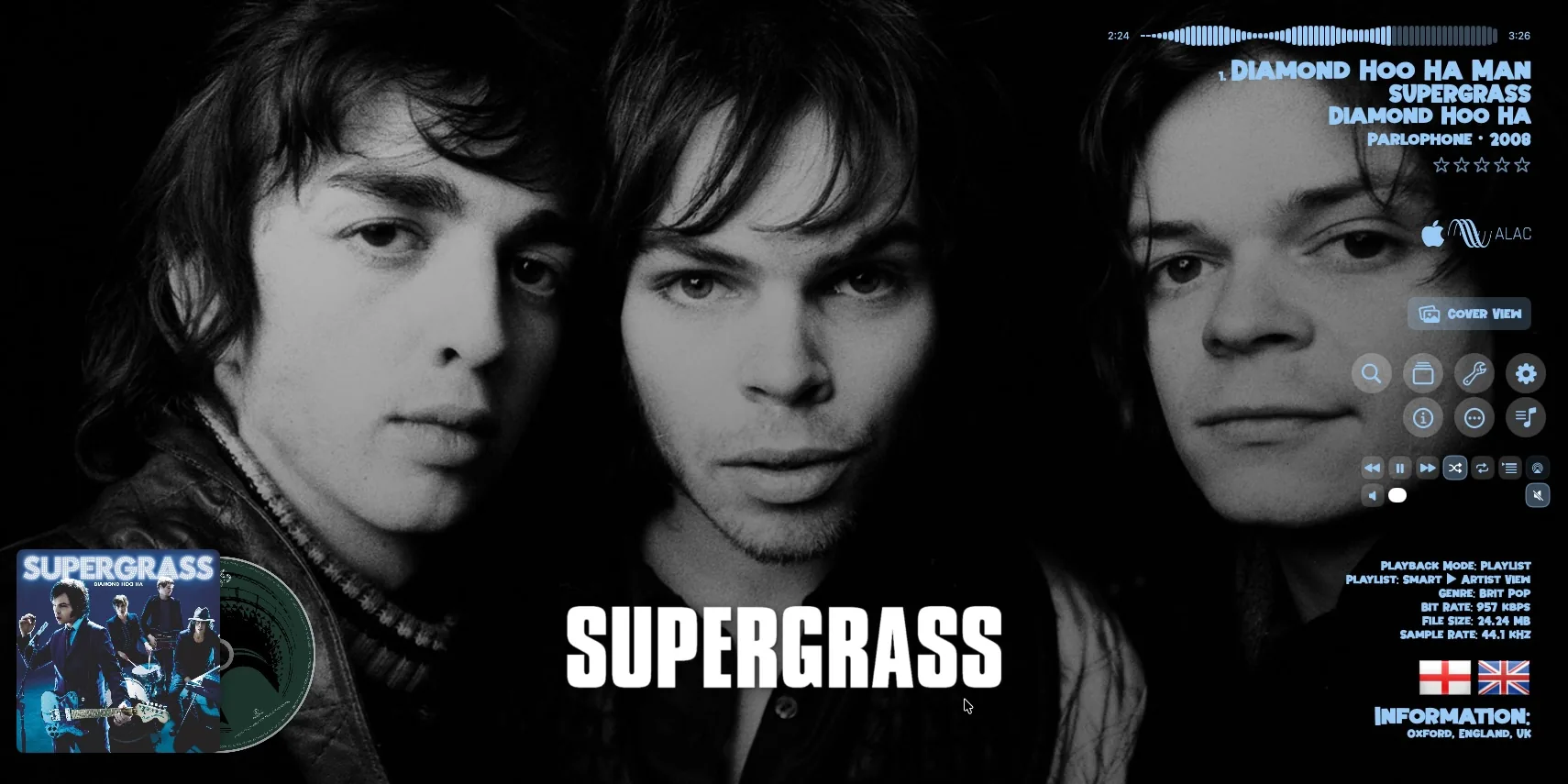
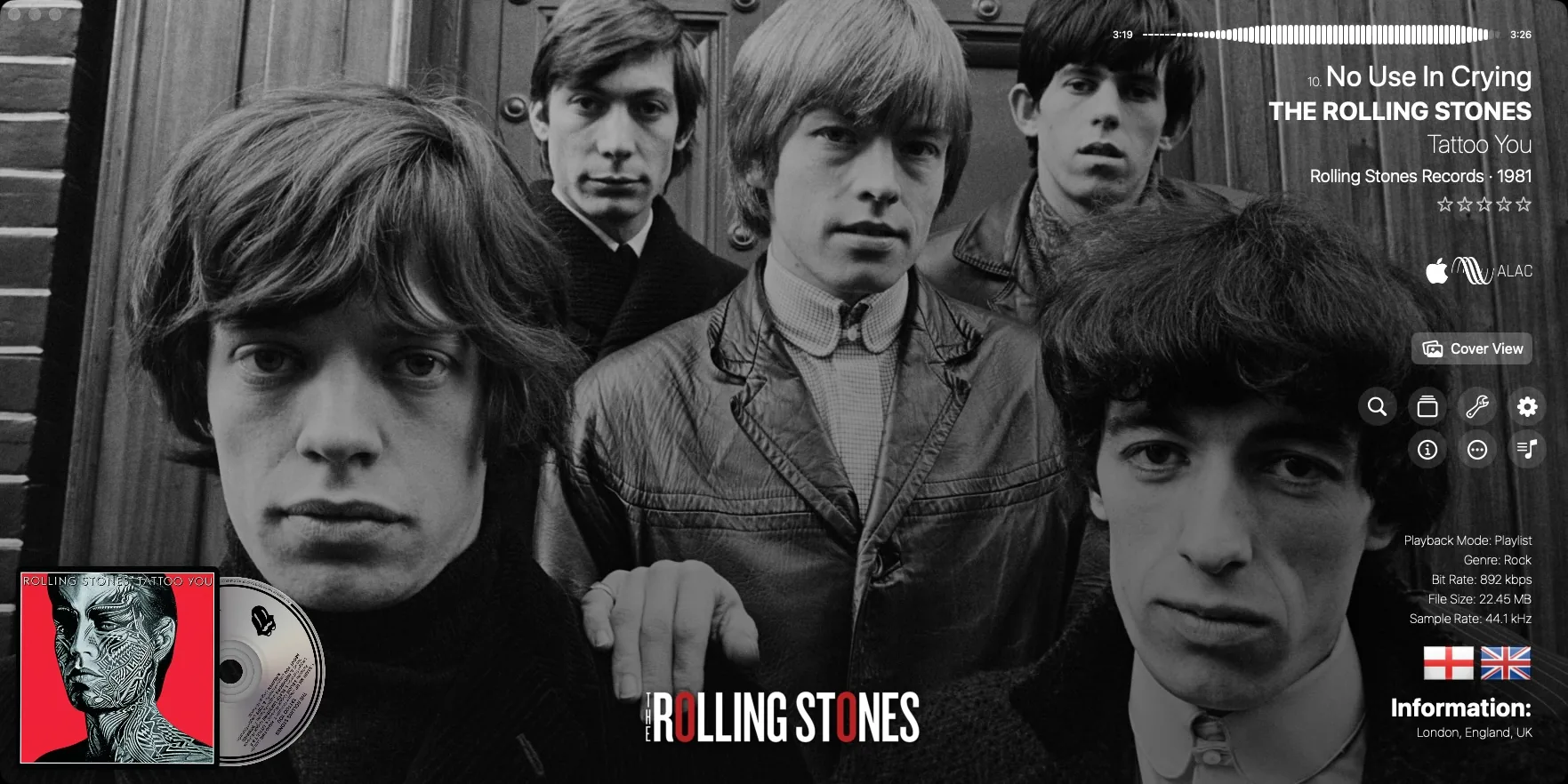
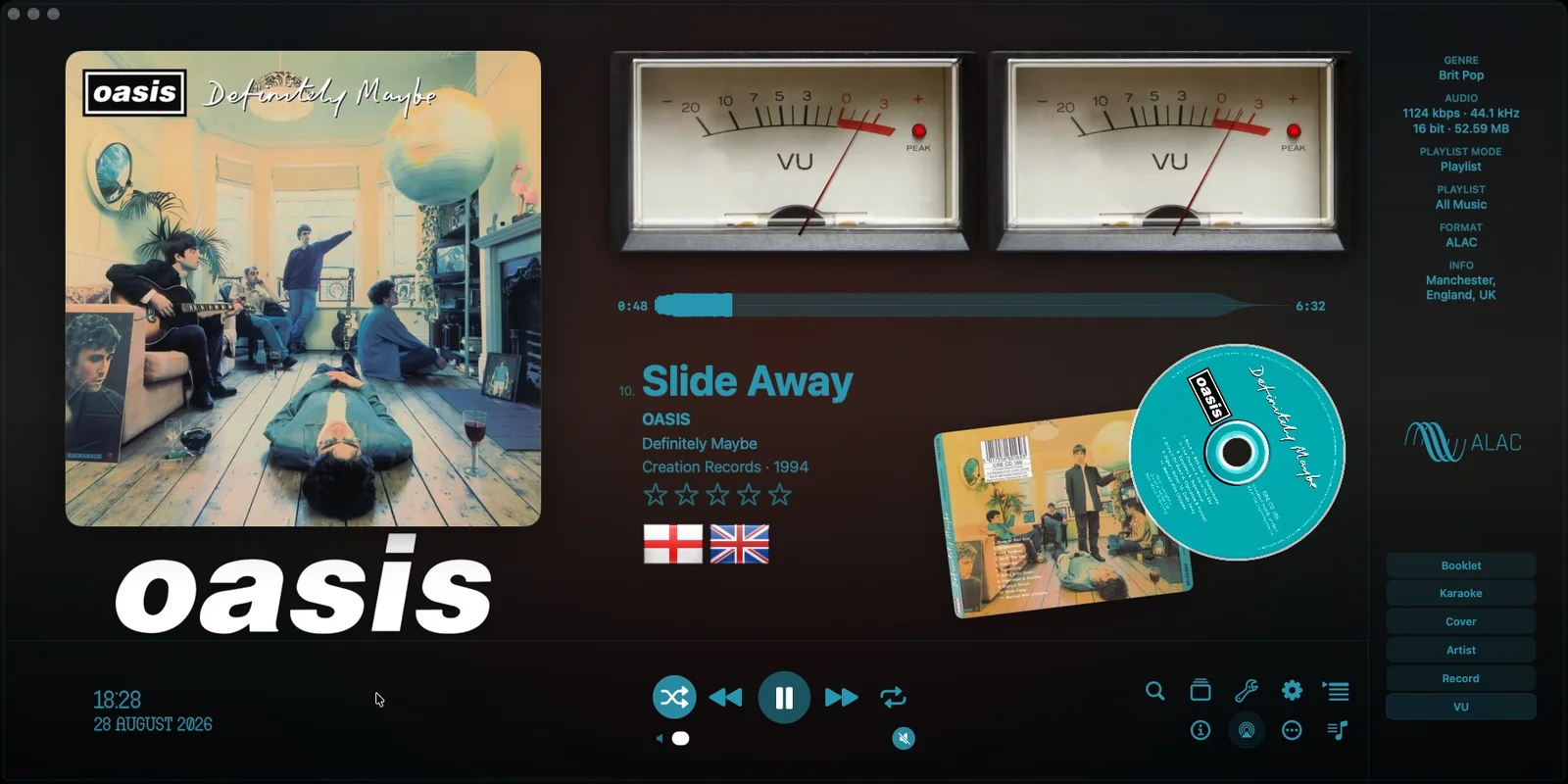
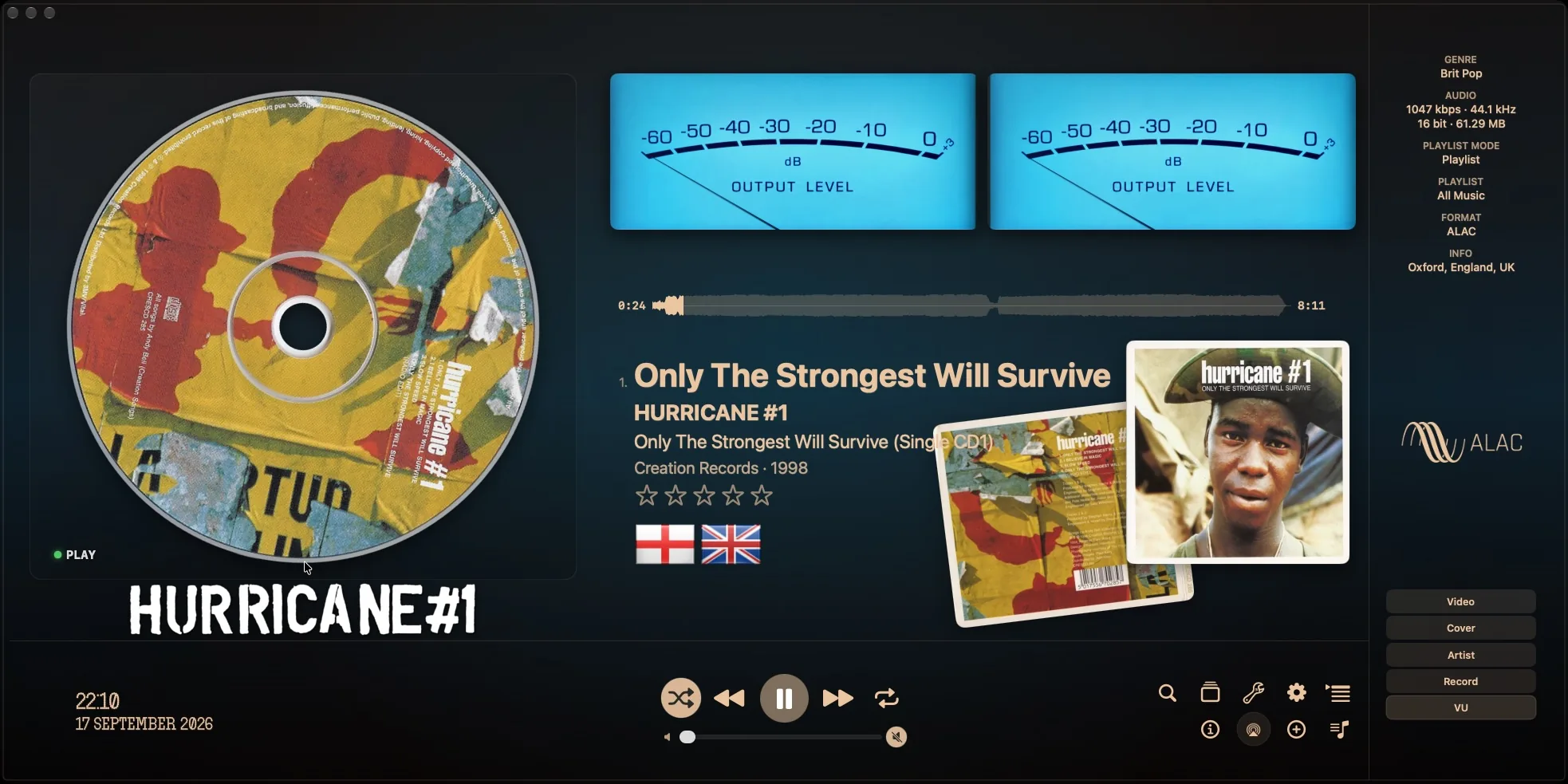
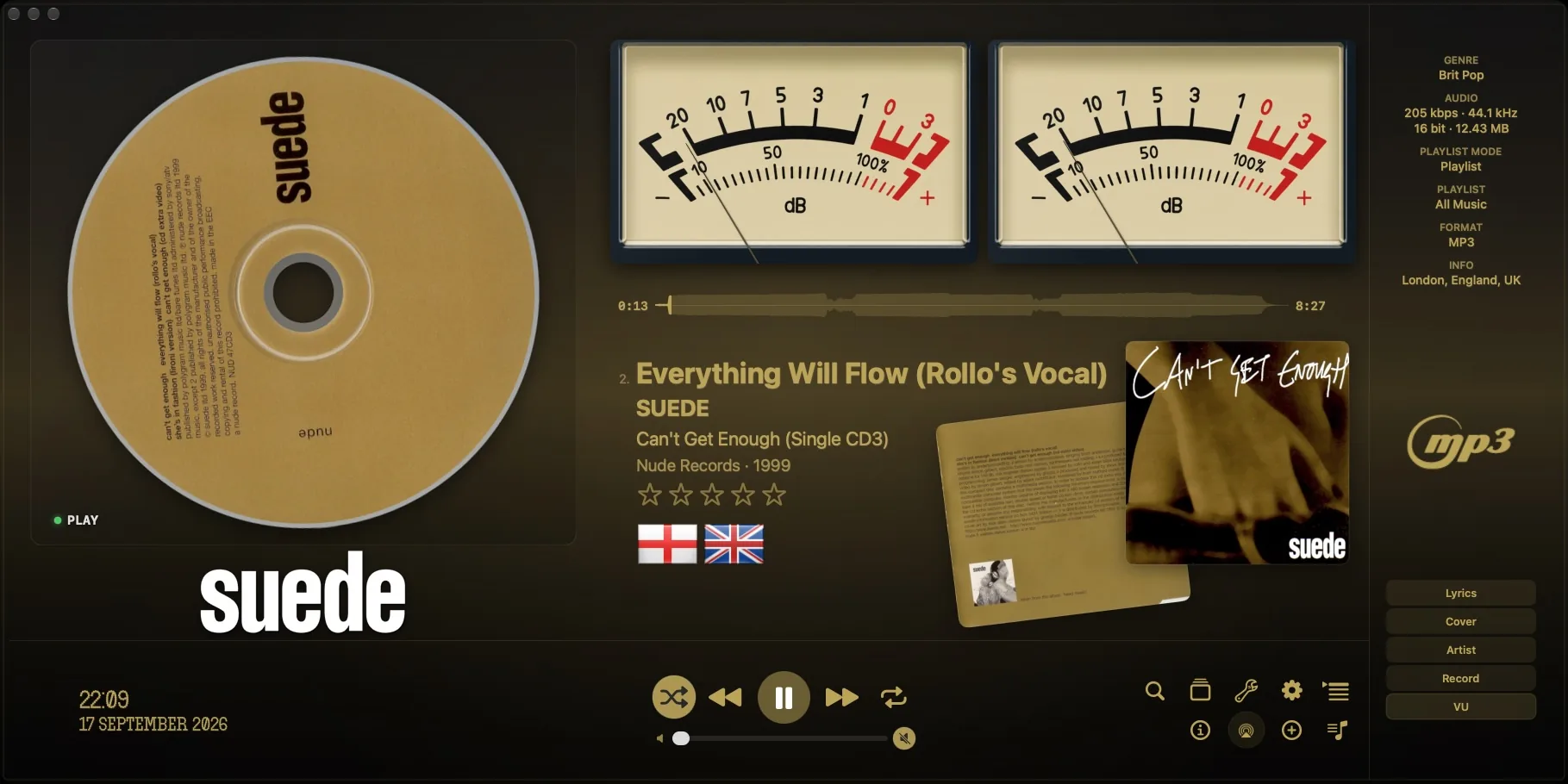
Explore your collection with 20 CoverFlow variants, CoverGrid and Album List. Each view has independent settings, adjustable artwork size, and a dedicated VU Meter interface for a more dynamic listening experience.
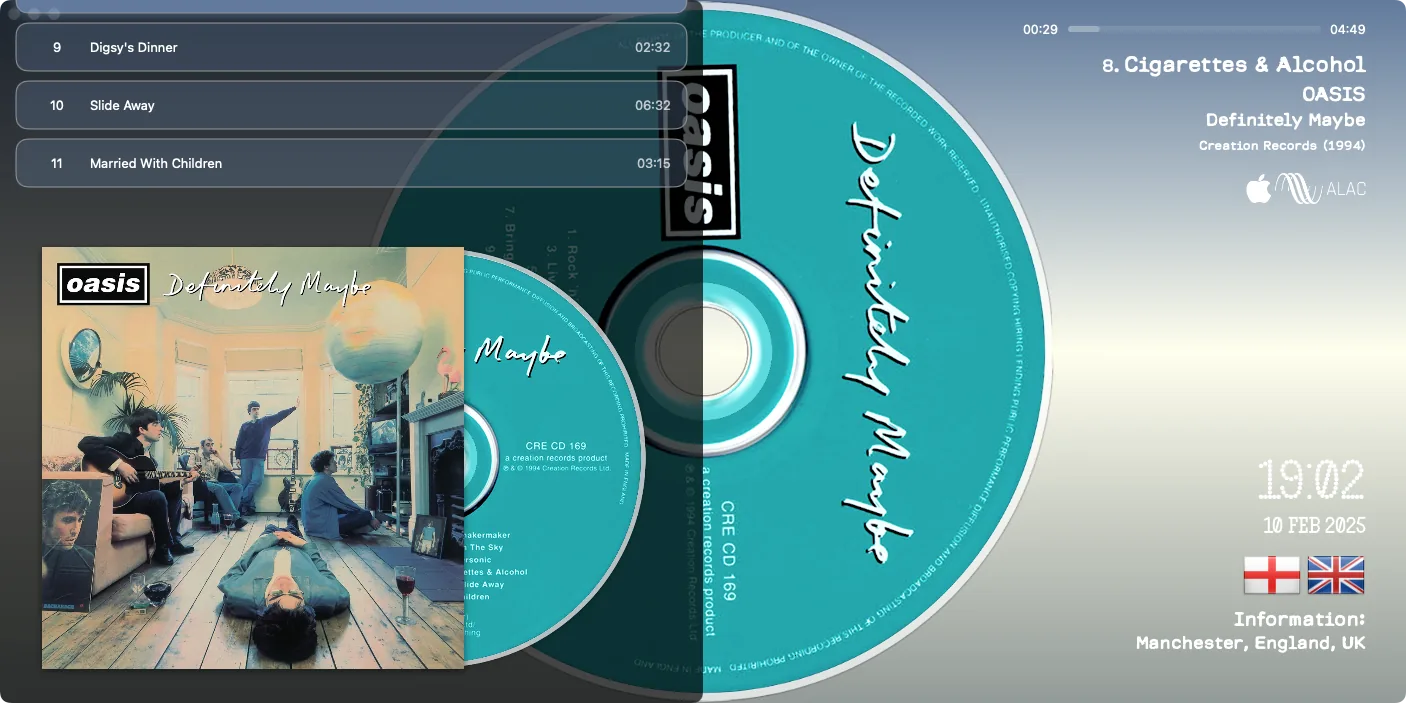
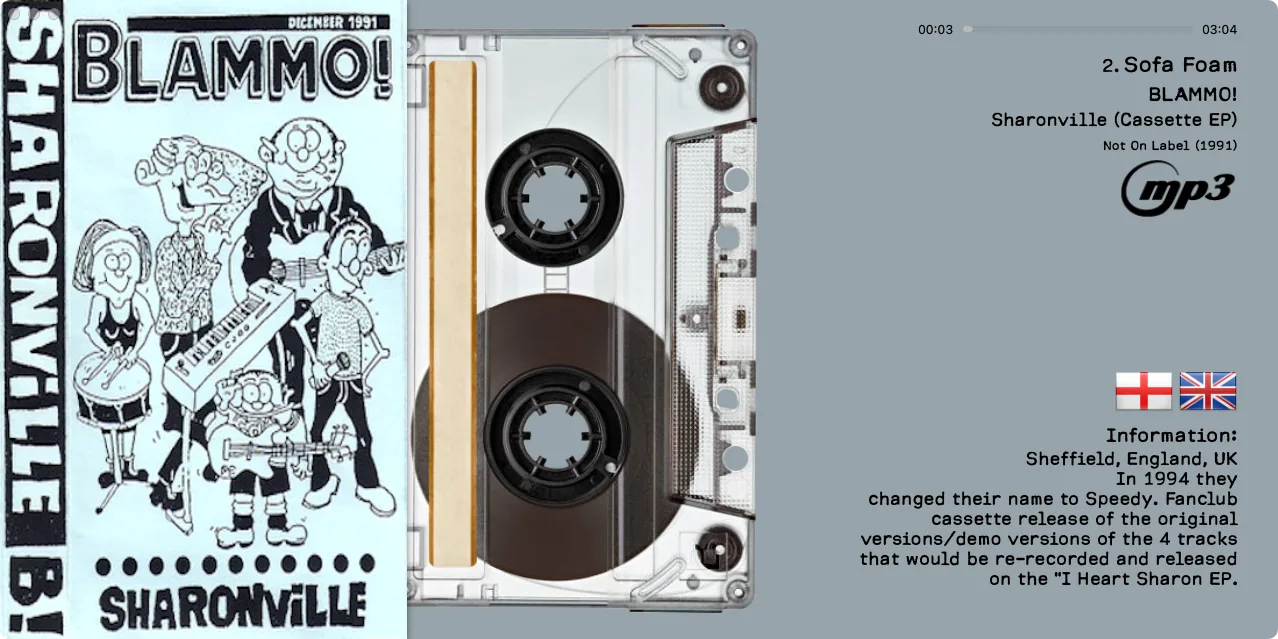
High-quality vinyl/CD/cassette animations plus multiple disc styles generated from the album artwork for a physical-media feel.
Rip your audio CDs with accurate extraction and automatic tag recognition, including album, artist, track information, and artwork. Save your music in FLAC, WAV, AIFF, or MP3.
Create Smart Playlists with advanced filters. Build playlists, reorder tracks with drag-and-drop, and quickly search artists, albums, and tracks.
Listen to radio stations from around the world and discover broadcasts by country or musical genre.
An all-in-one player focused on local files, rich metadata, and smooth album-based navigation.
Full playback control with queue handling, track navigation, and rich metadata in one clean interface.
Enjoy album covers in full size with a clean interface designed for collectors who care about artwork.
Edit your music metadata with ease and search online for tags, album covers, artist information, and other useful details to complete your library.
Find and display synchronized lyrics that follow the music in real time, then save them locally so they remain available with your collection whenever you need them.
Save, organize, and watch your music videos directly inside MusicCovered, alongside the rest of your collection.
Backgrounds extracted from cover colors with multiple themes (Dynamic Colors, Black & White, Green and more) for perfect visual matching.
Choose your playback style: Bar, Waveform, or Organic progress visualization, with a fully interactive scrubber (click or drag).
Manage multiple local music folders in the Library section. Fast browsing, reliable metadata handling, and artwork-focused navigation.
Connect your Plex music library and listen on your iPhone or iPad with MusicCovered Mobile.
Export playlists your way: playlist file only, audio files only, or both together—perfect for backups and moving collections.
Generate custom vinyl/CD/cassette artwork for any album and create booklet images—built in, fast, and independent of what’s currently playing.
Fine-tune your sound with a 10-band equalizer and save your favorite settings as personal presets, while keeping the visuals front and center.
Personalize the entire visual interface to match your taste, including fonts, colors, backgrounds, metadata visibility, artwork, layout, and display style. Use Pocket Mode for a compact, minimal experience.
Designed for smooth animations and low energy impact, optimized for Apple Silicon and modern macOS.
Every bit matters.
Bit-Perfect playback sends digital audio samples to your audio device without software processing. When the direct output path is active, MusicCovered matches the recording’s sample rate, avoids unnecessary resampling, and shows a clear playback status.
Takes exclusive control of a compatible wired DAC or audio interface to prevent interference from other apps.
Configures the audio device to match the original recording’s sample rate.
Bypasses software volume, equalization, sample-rate conversion, and other processing while direct output is active.
The Bit-Perfect indicator appears only when the direct audio output path is successfully active.
Enjoy the continuity of live recordings, classical works and concept albums. MusicCovered prepares queued local tracks and continues compatible tracks through the same direct output stream, preserving the audio samples without added silence or crossfade. No extra switch is needed.
Available for compatible PCM tracks, including DXD, and for compatible DSD tracks via DoP. Continuation requires the same sample rate and PCM/DoP mode, with sufficient output precision and the next track ready in time. A change of format may require a new output session.
In Audio Signal Path, “Last track transition” shows Gapless only after a verified continuous transition.
With a compatible DAC configured for DSD over PCM (DoP), MusicCovered transports the original DSD data inside a PCM-compatible stream. DoP does not convert DSD to PCM: the receiving DAC decodes the preserved DSD data.
If DoP is unavailable, MusicCovered can play DSF through an alternative path by converting it to 176.4 kHz PCM. This is useful for compatible playback, but it is not bit-perfect DSD transmission.
| DSD format | Sample rate | Channels |
|---|---|---|
| DSD64 | 2.8224 MHz | Mono / Stereo |
| DSD128 | 5.6448 MHz | Mono / Stereo |
| DSD256 | 11.2896 MHz | Mono / Stereo |
MusicCovered supports Digital eXtreme Definition (DXD), a high-resolution PCM format used in professional recording and mastering workflows.
| Format | Sample rate | Bit depth |
|---|---|---|
| WAV | 352.8 kHz | 24-bit integer |
| WAV | 352.8 kHz | 32-bit integer |
| FLAC | 352.8 kHz | 24-bit integer |
| FLAC | 352.8 kHz | As encoded |
DXD at its original sample rate depends on the connected audio device. With a compatible DAC and active Bit-Perfect PCM output, MusicCovered can preserve the original PCM data without unnecessary resampling or processing.
Connect a compatible external USB DAC or wired audio interface to your Mac, select it in MusicCovered, and enable the supported direct output mode. Play a compatible lossless recording and check the playback status. DoP also requires a DAC that supports DoP and is configured accordingly.
Your Music. Uncompromised.
See the main features in real-world walkthrough videos.
MusicCovered news, releases, and selected announcements from the forum.
A quick look at our beautiful, immersive interface — including 20 CoverFlow variants and dynamic VU Meter views to enjoy your albums in style.
Your music, on iPhone and iPad. MusicCovered Mobile combines an independent audio player with remote control for MusicCovered on Mac and Plex integration.
Play music directly on your iPhone or iPad, without relying on your Mac for playback.
Use your iPhone or iPad as a remote control for MusicCovered on Mac whenever you want to manage playback from your mobile device.
Connect your Plex music library and listen through MusicCovered on your iPhone or iPad.
The MusicCovered ecosystem also includes a companion app for Apple Watch and MusicCovered for Apple TV for listening on the big screen.
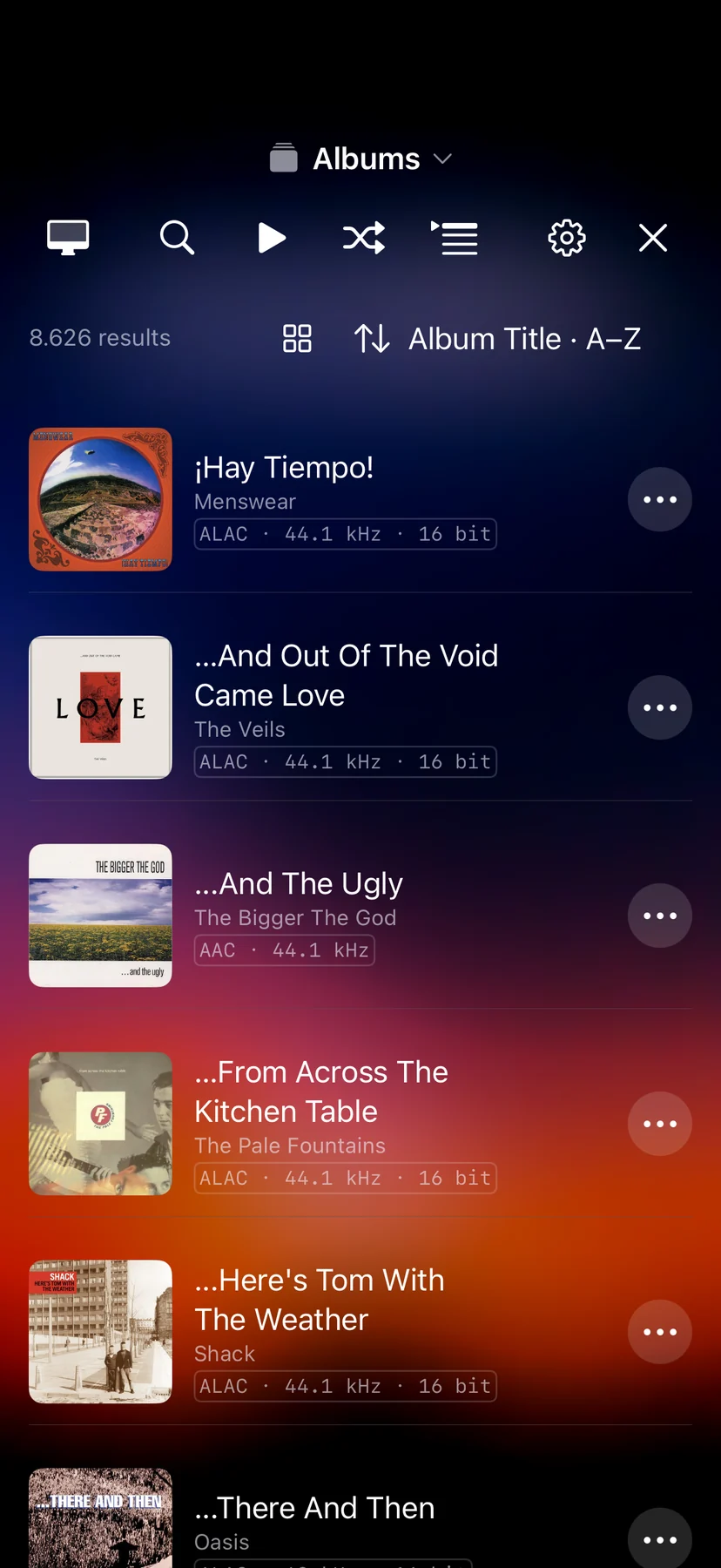
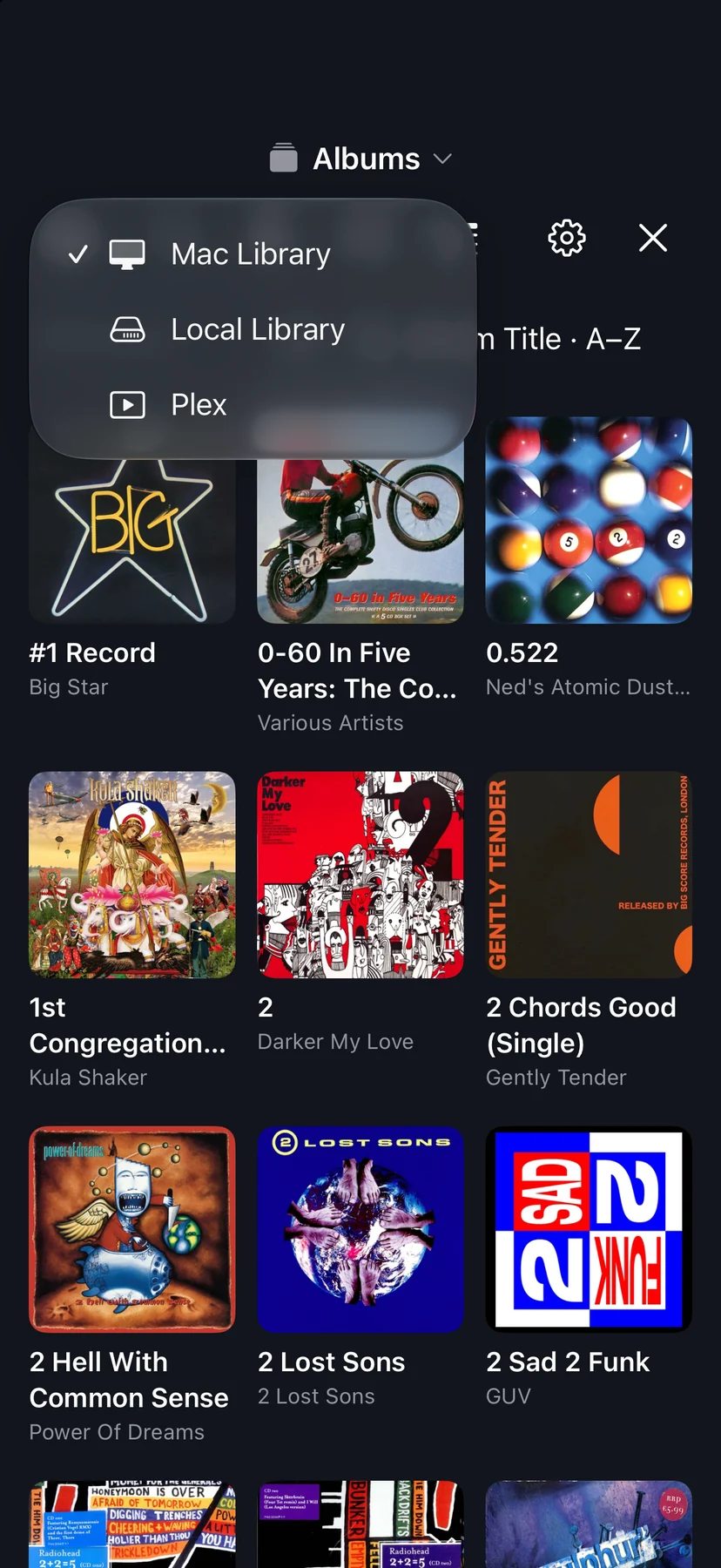
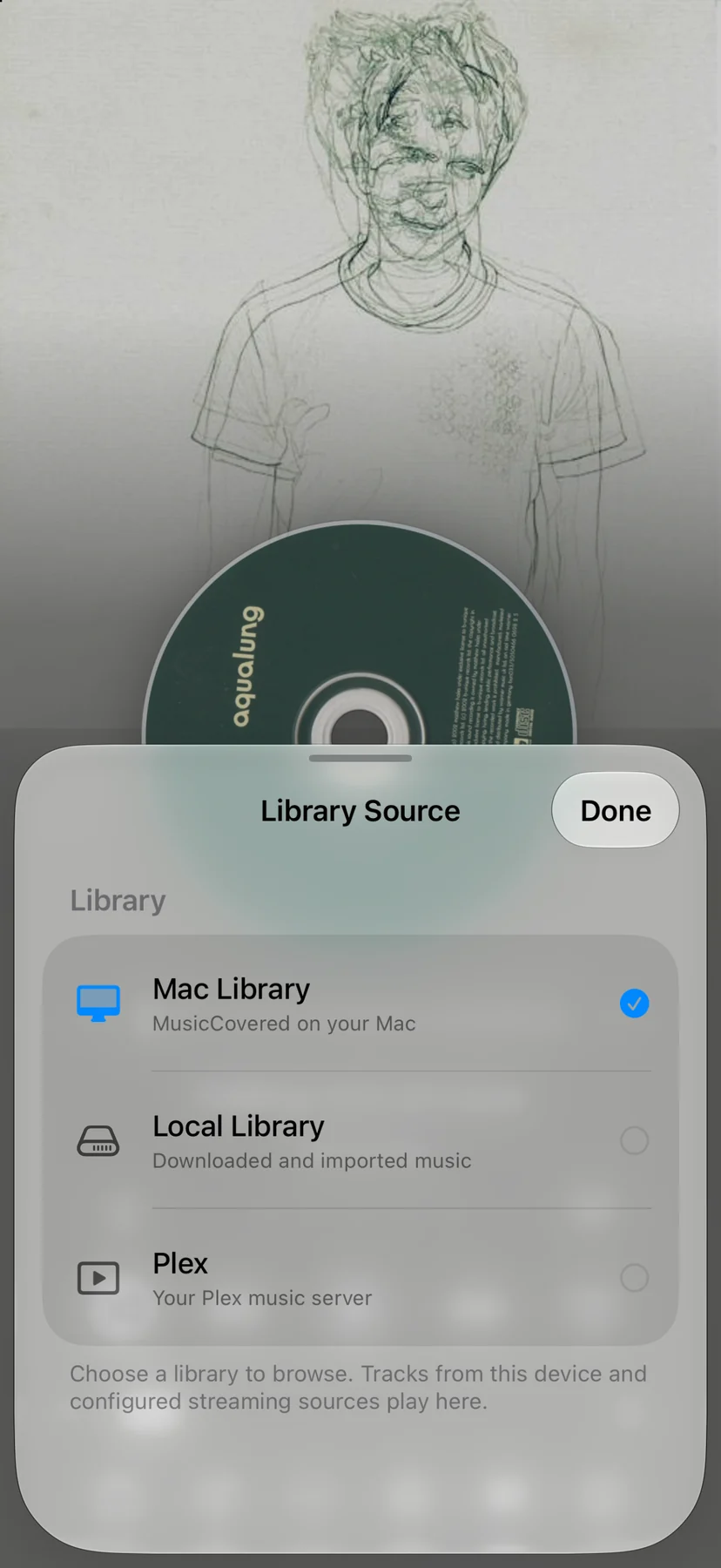
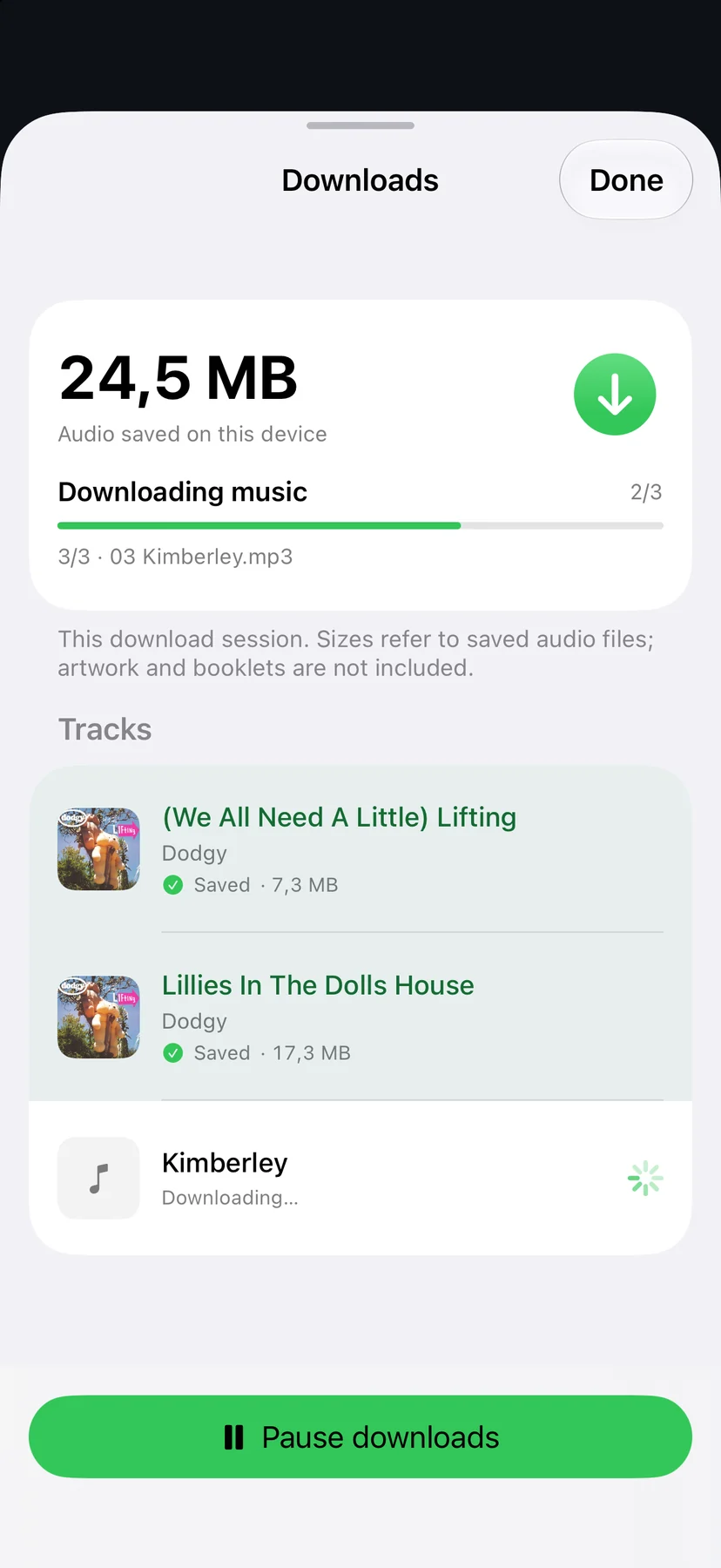
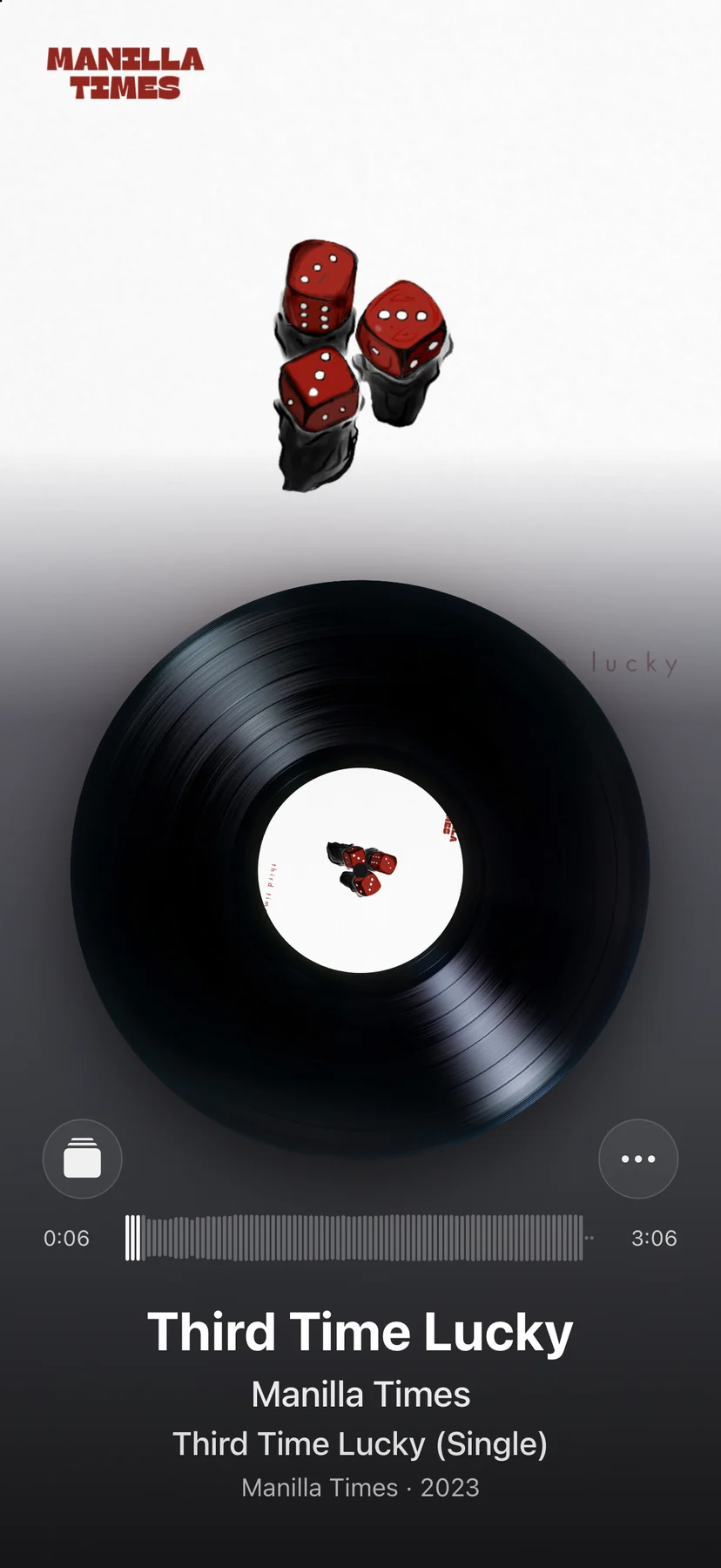
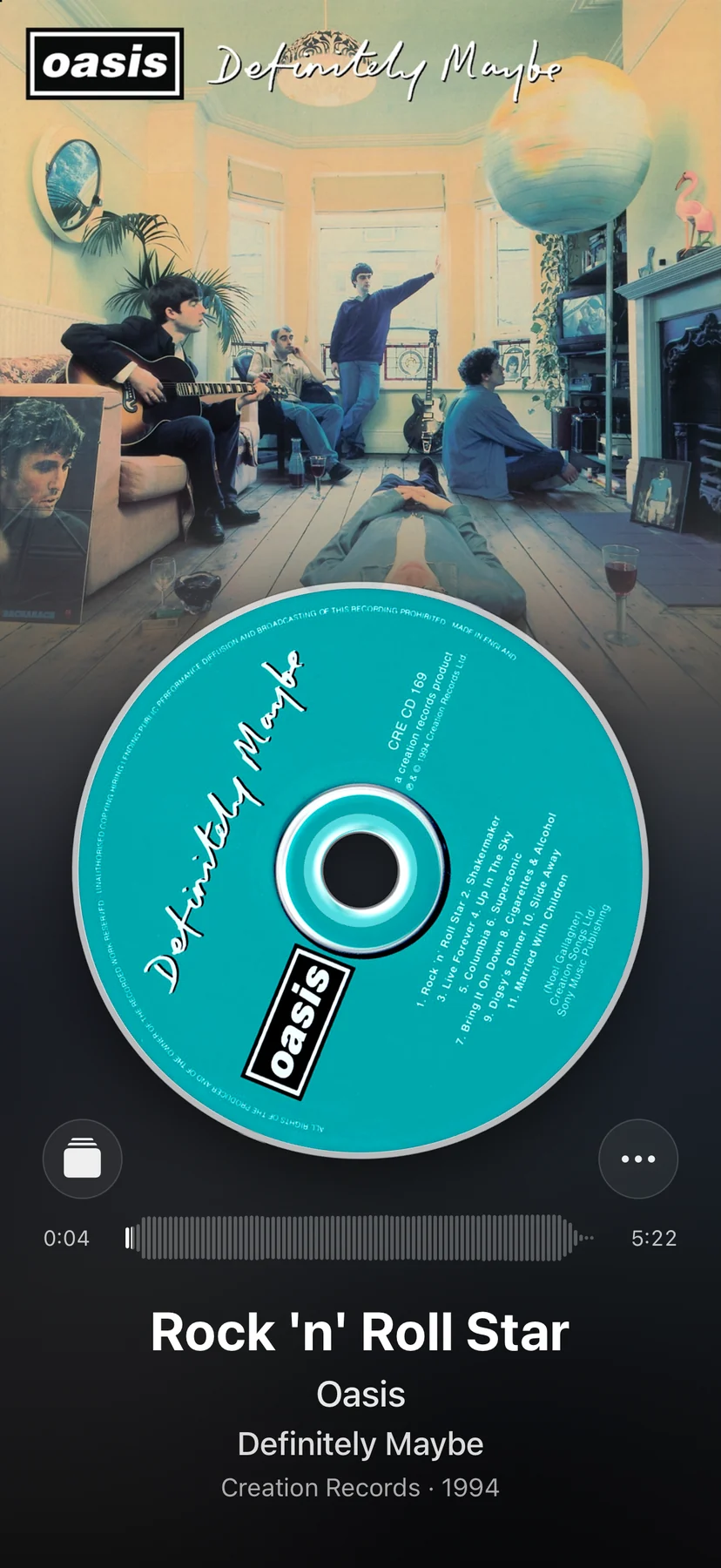
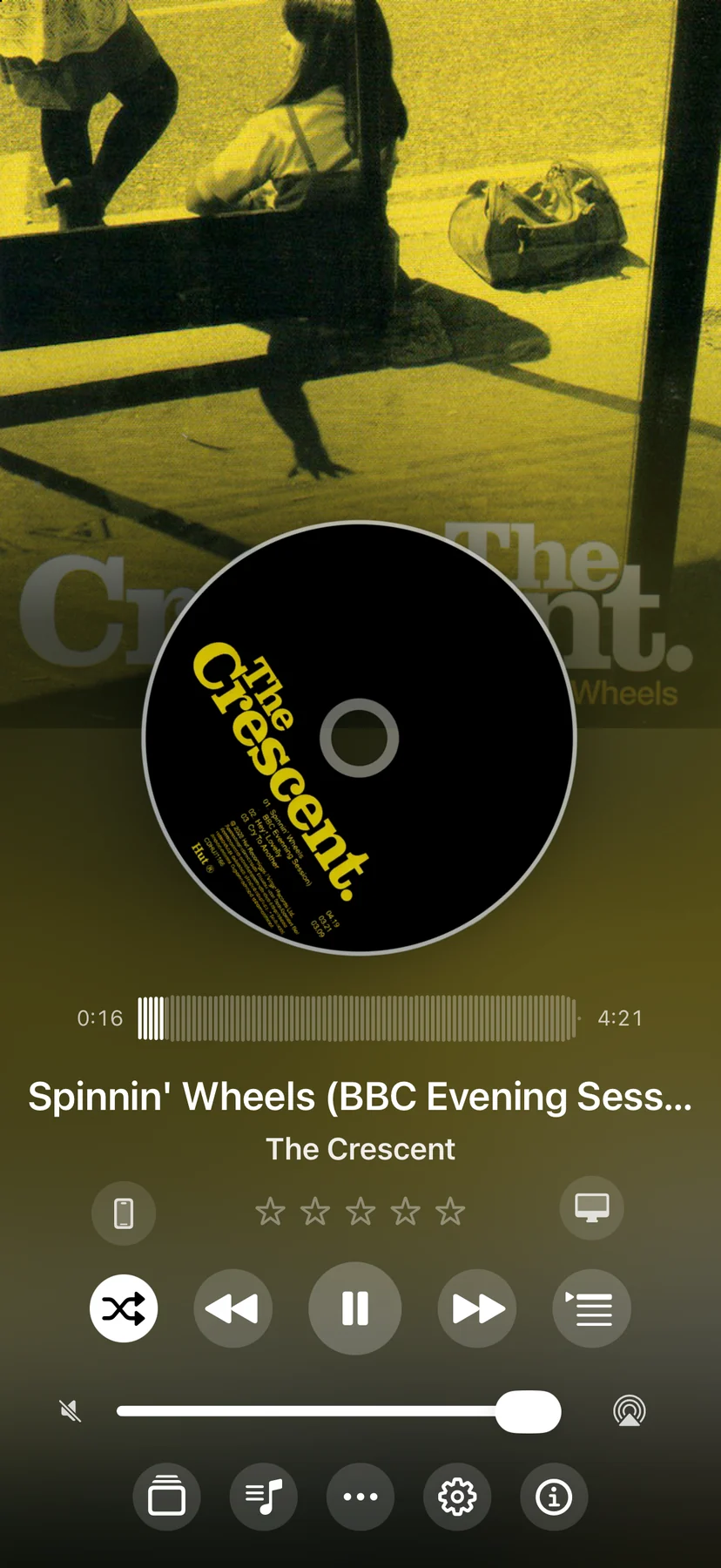
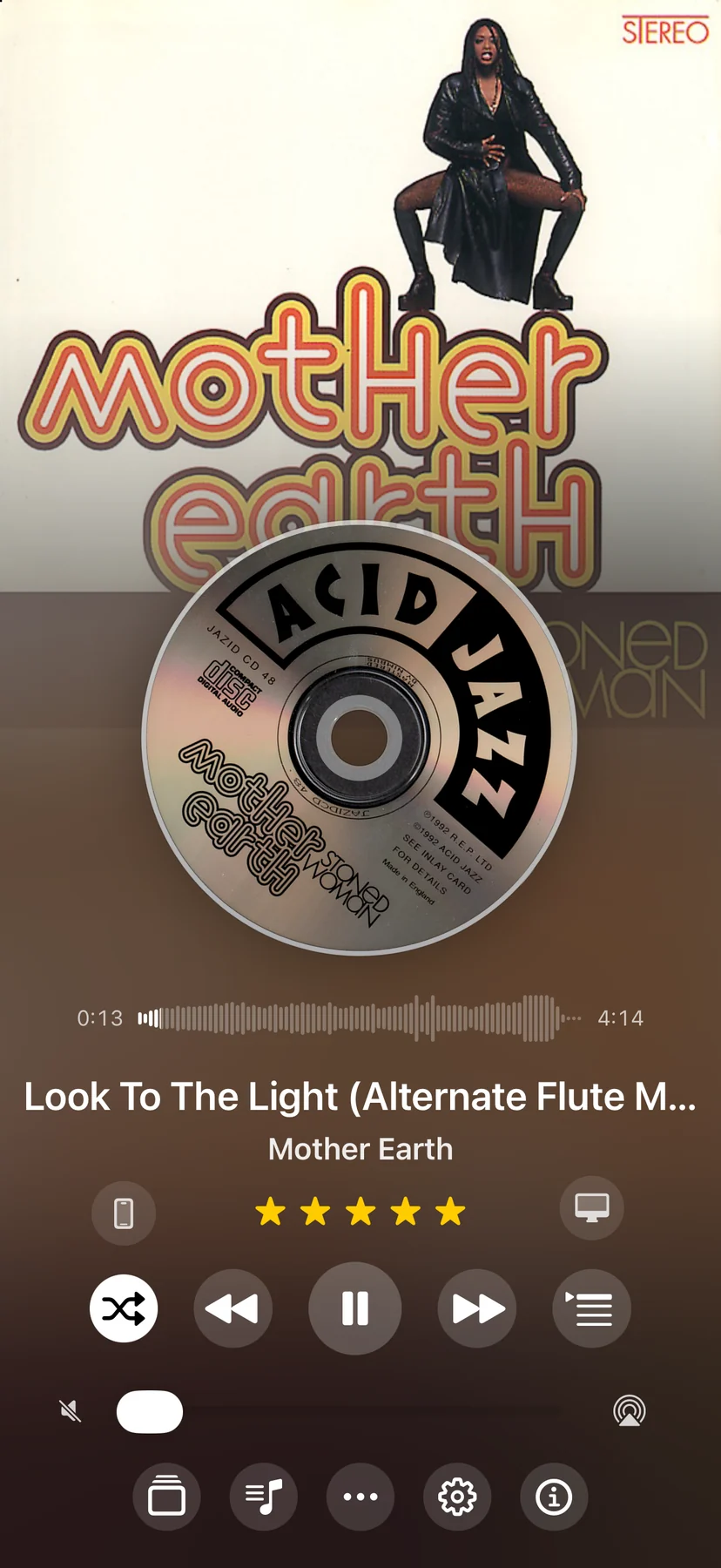
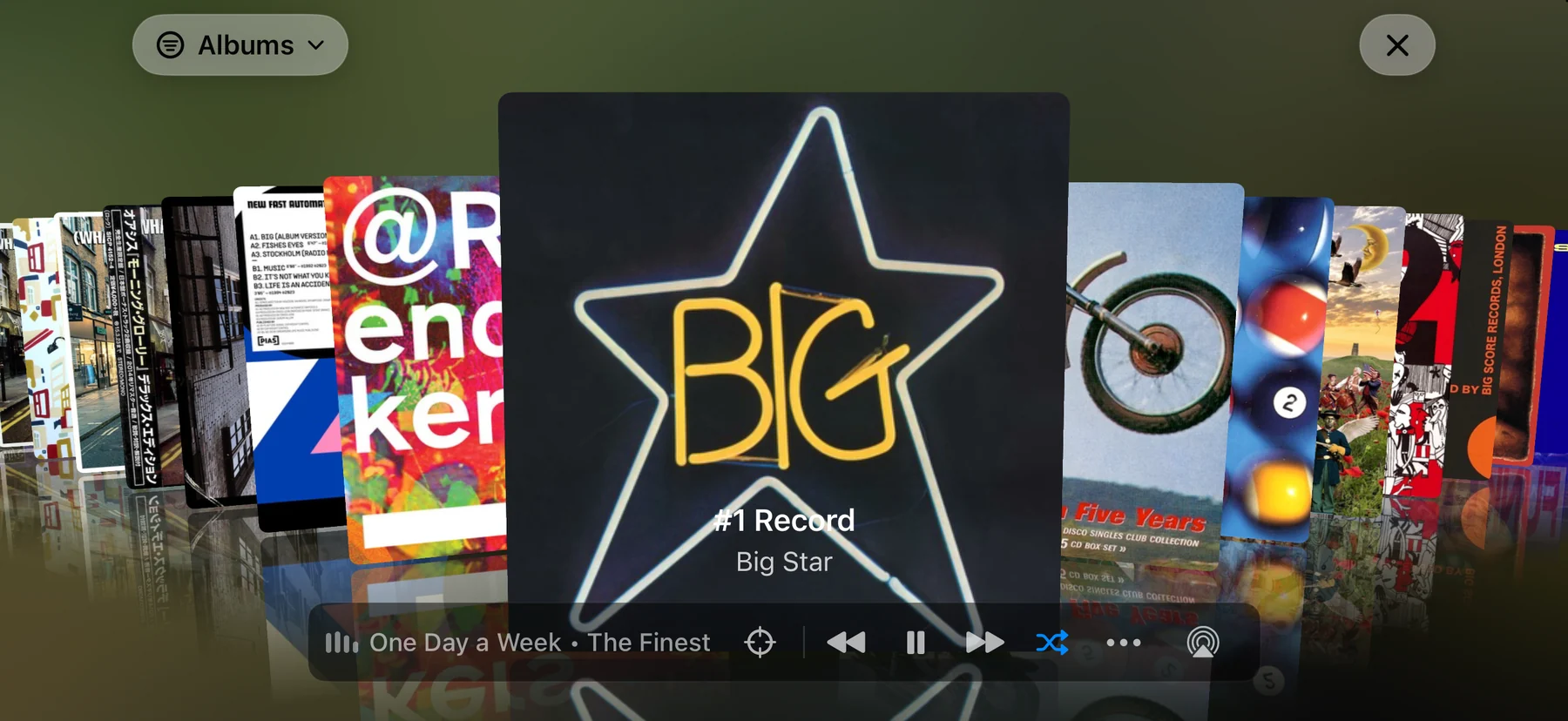
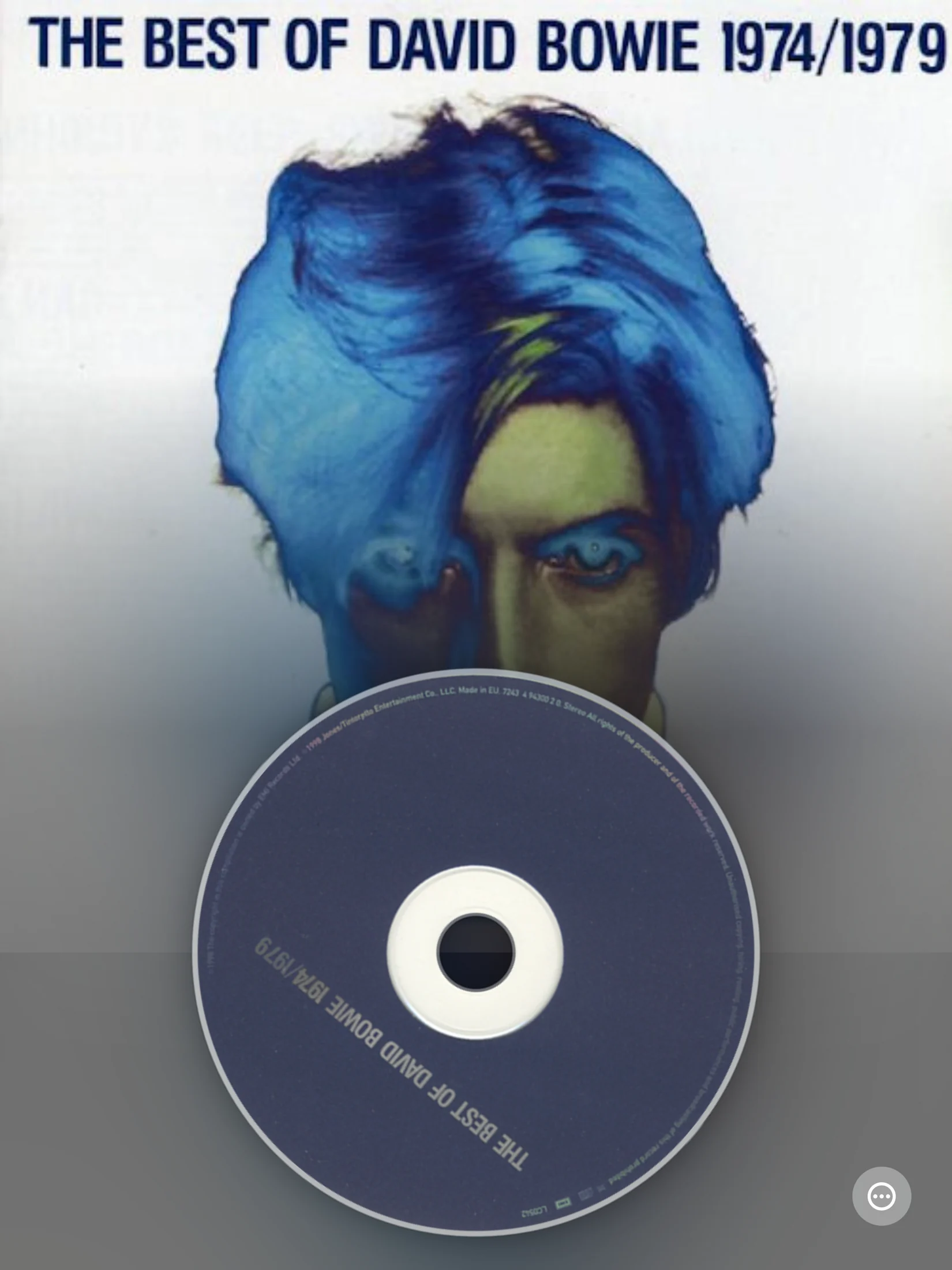
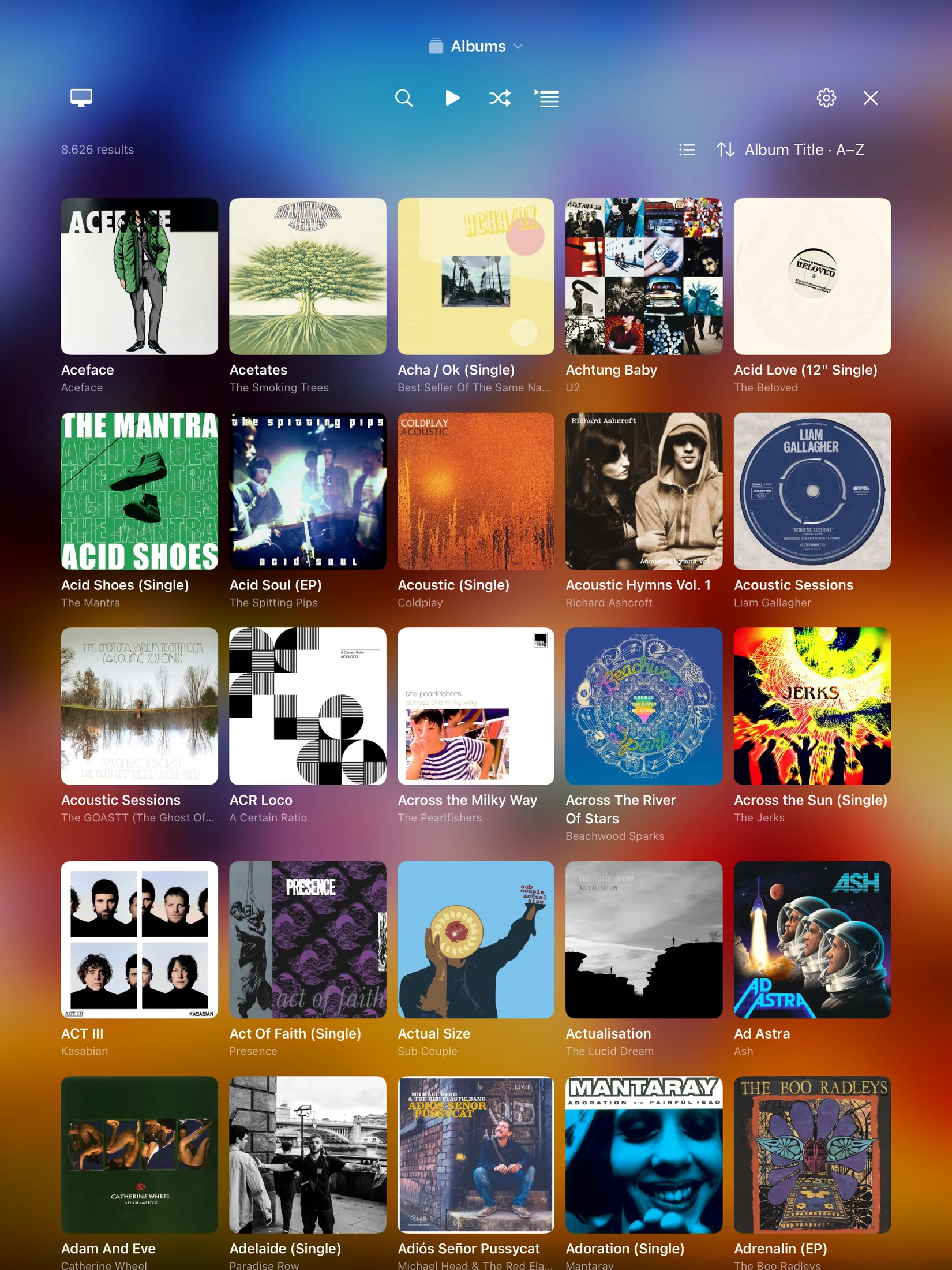
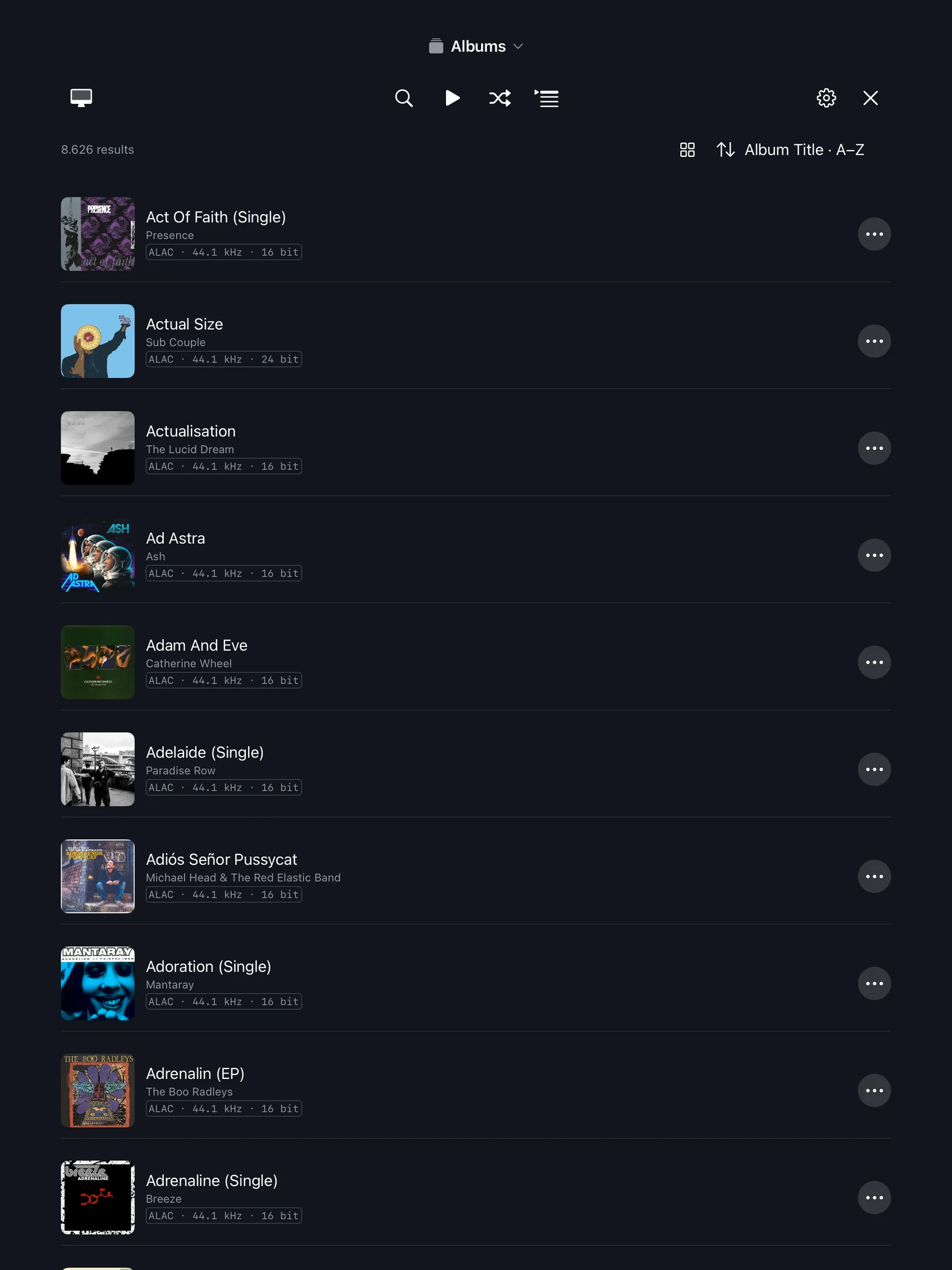
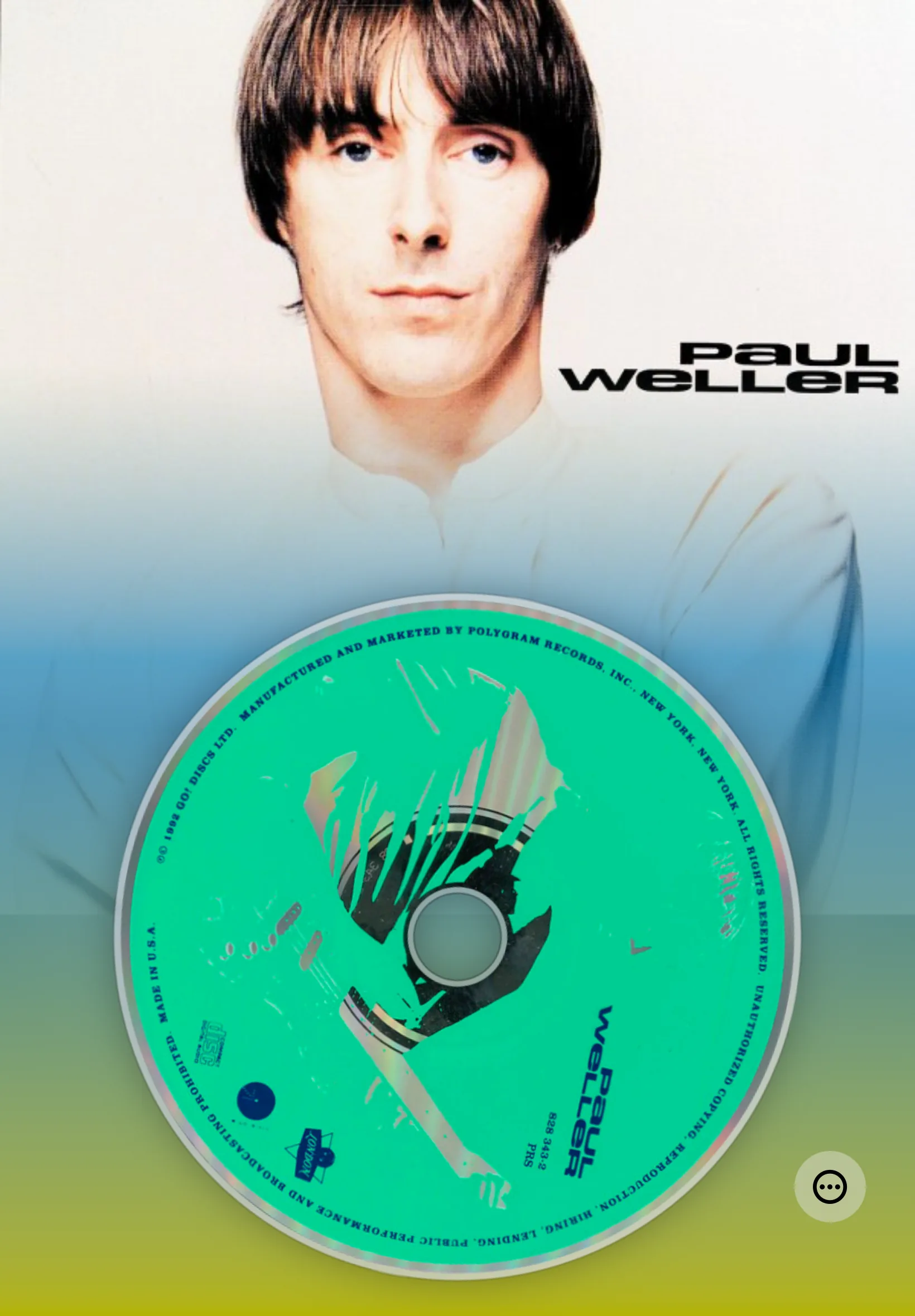
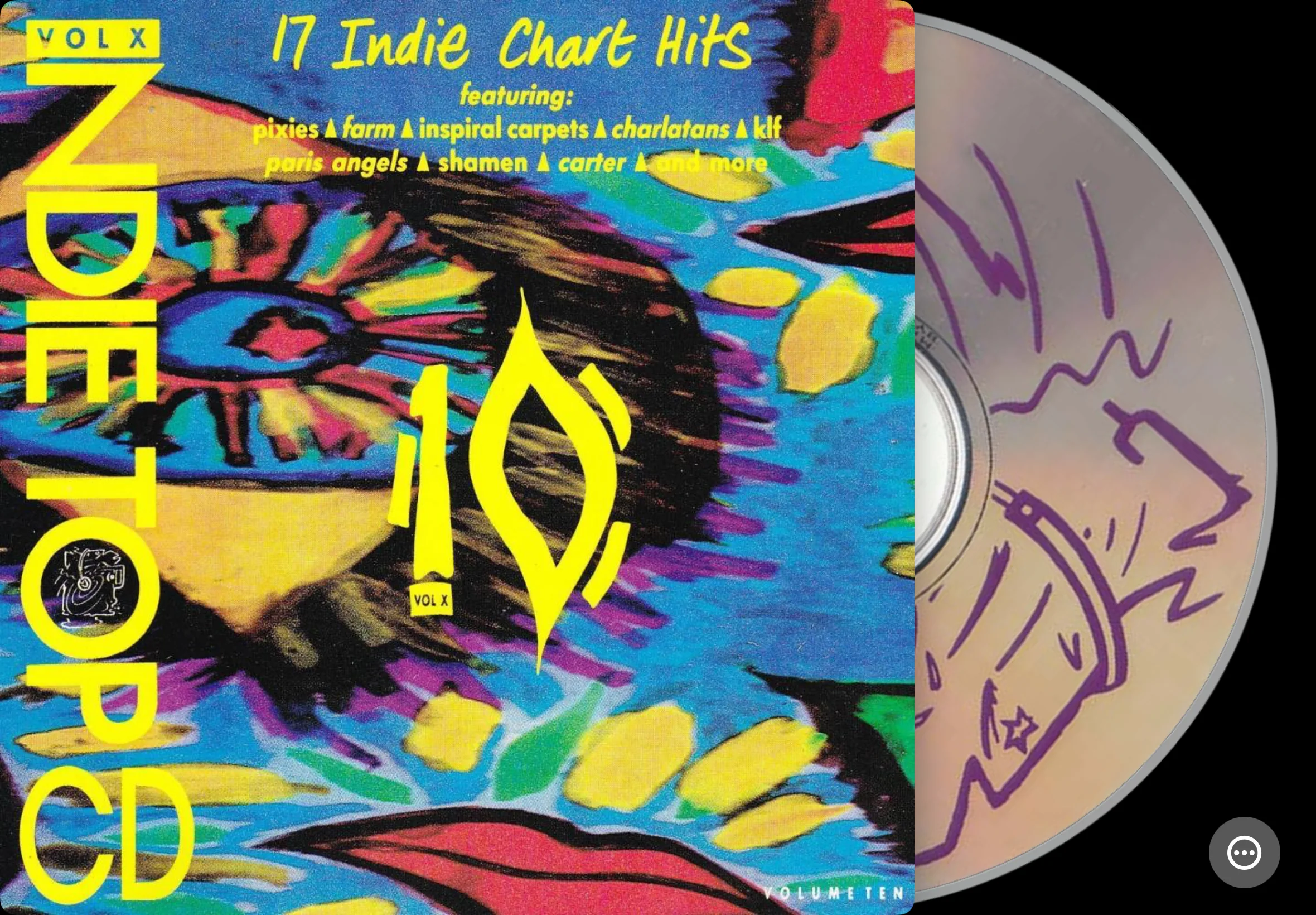
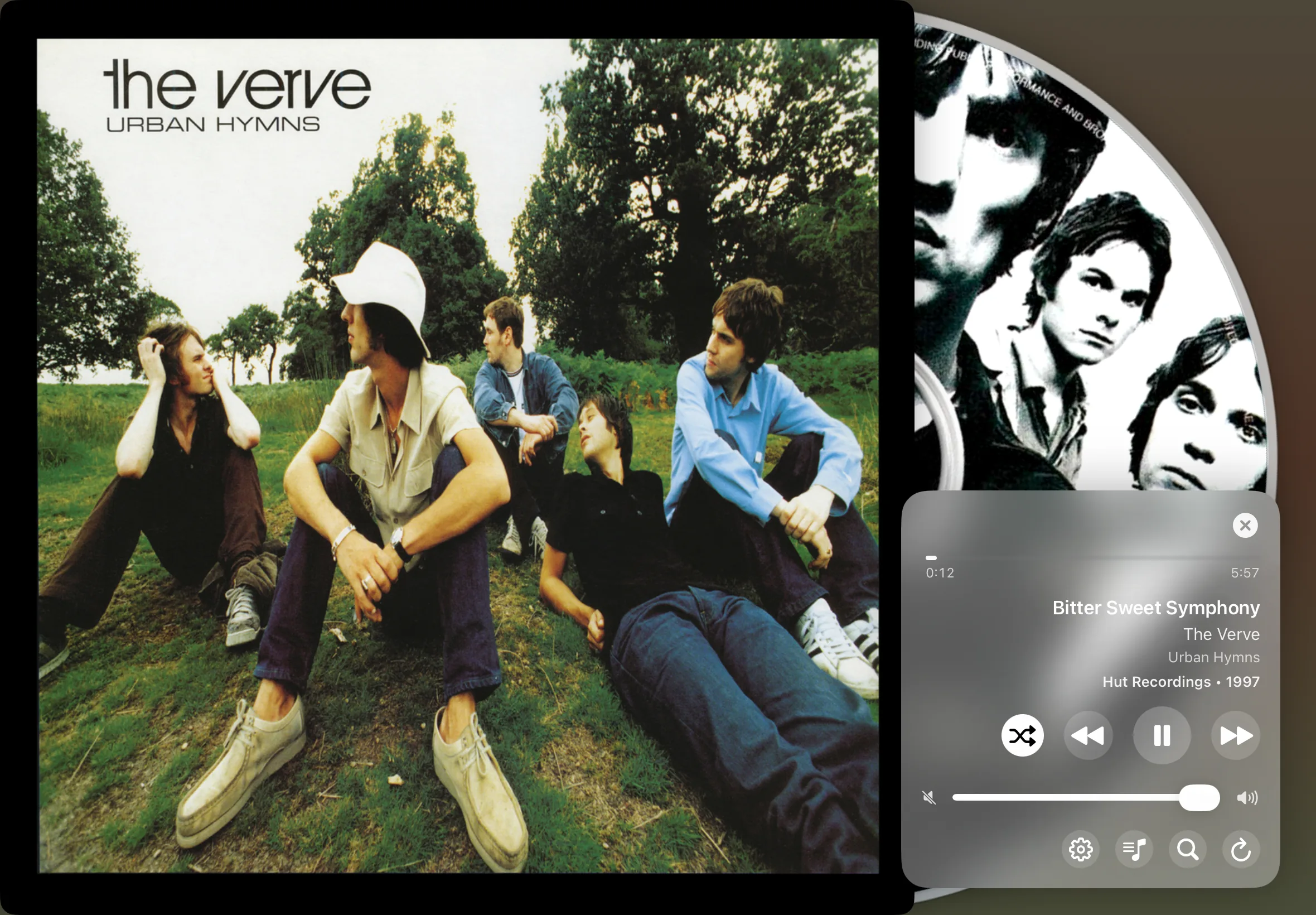
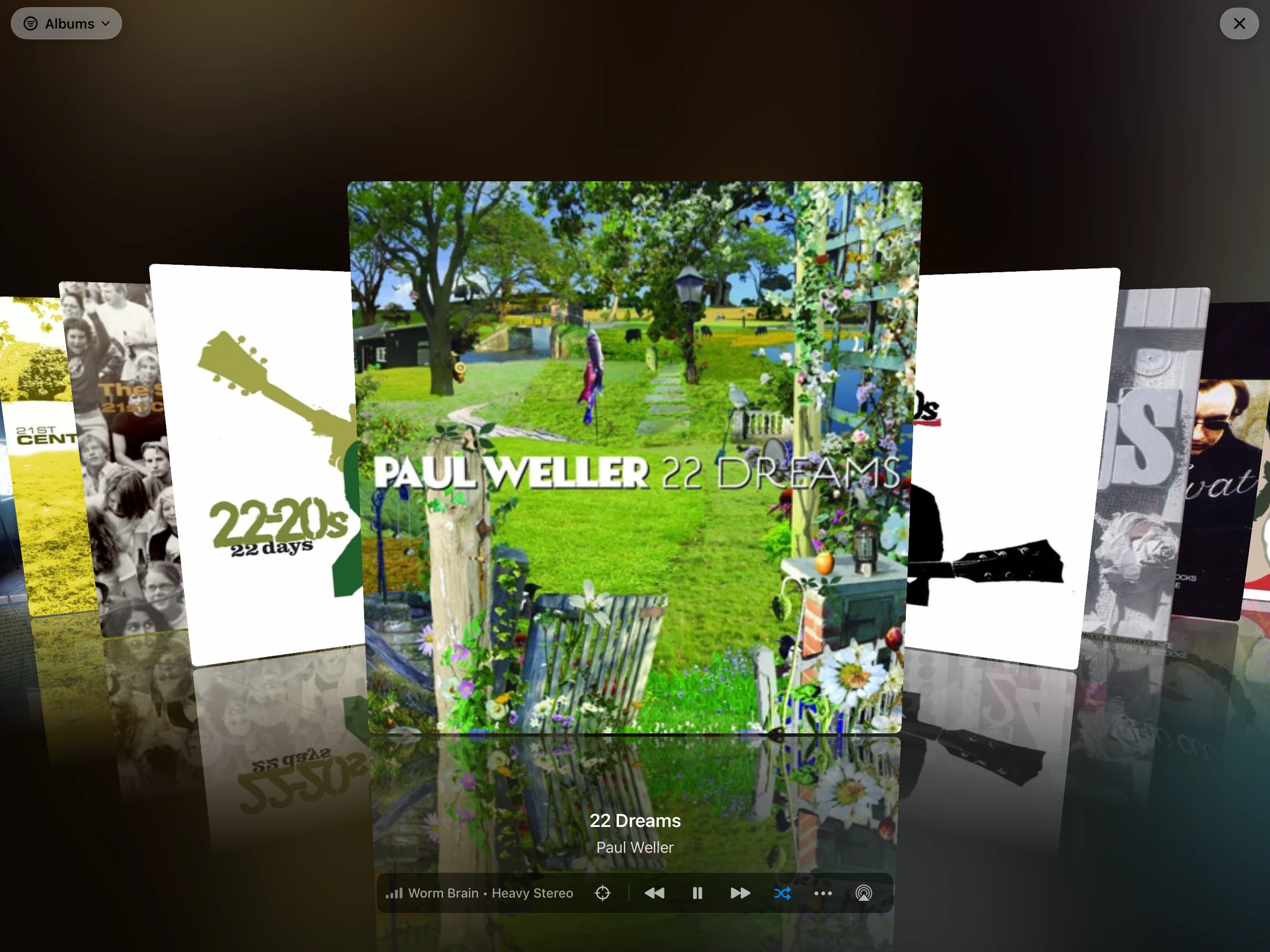
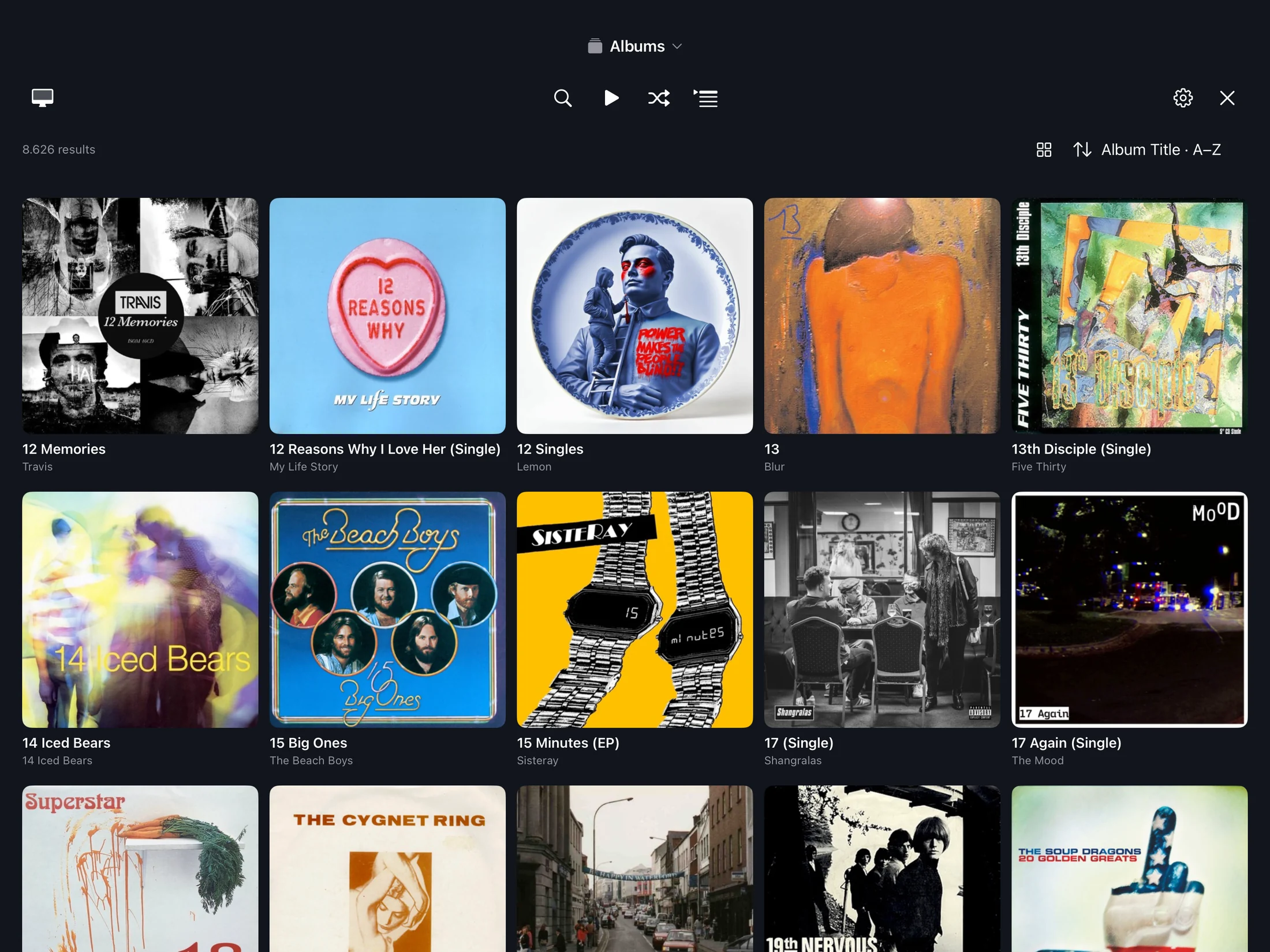
Bring your music collection to the big screen, with immersive artwork, all 20 CoverFlow variants, and the same three listening layouts as the desktop app.
MusicCovered for Mac is required. Keep the Mac app running and connected to your Apple TV to provide access to your library. The TV app plays music through its own independent audio stream, with playback separate from the Mac app.
Your Mac provides the music library, while Apple TV runs its own audio stream and listening session.
Explore albums with all 20 CoverFlow variants, including Eclipse and Vertical Arc, on a screen that puts artwork at the center.
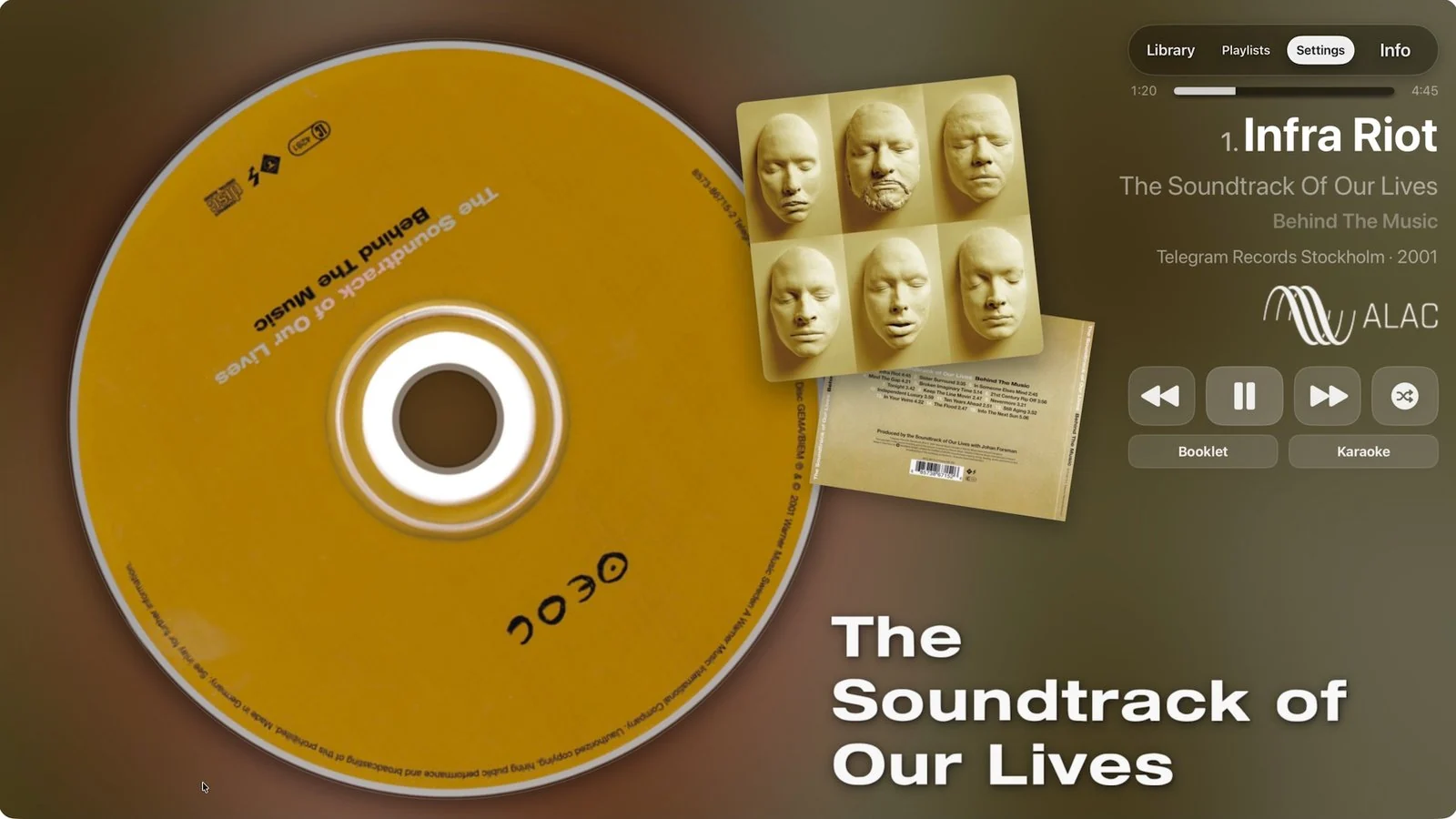
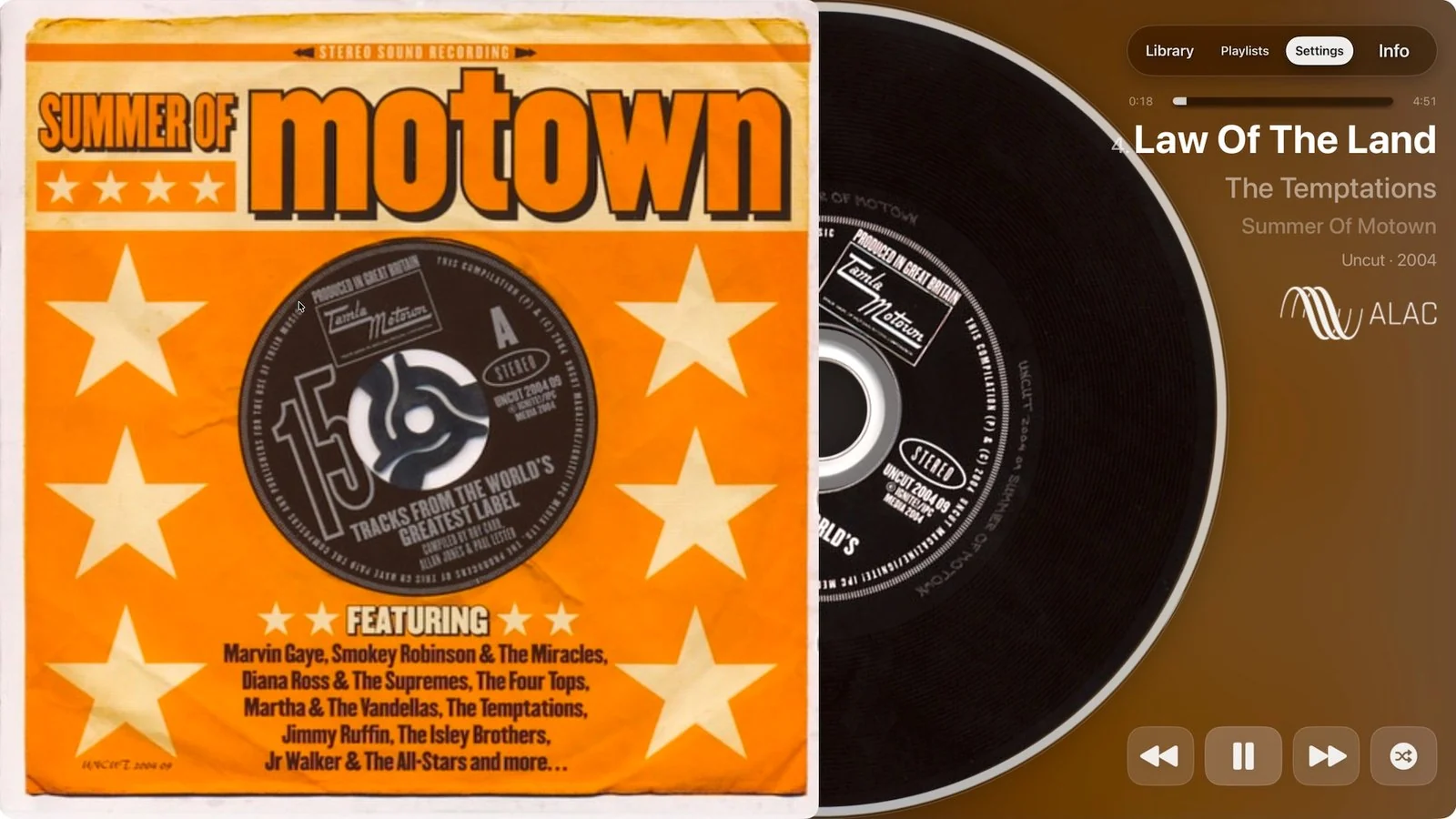
Choose Artist, Cover, or Record: artist imagery, album artwork, or a large spinning disc, just like on Mac.
Follow lyrics as the music plays, with synchronized text when available and a karaoke view made for the big screen.
Enjoy animated vinyl and CD visuals, album covers, artist images, and booklet pages when available in your collection.
Browse your library and playlists, choose an album, navigate tracks, and control playback and shuffle directly from Apple TV.

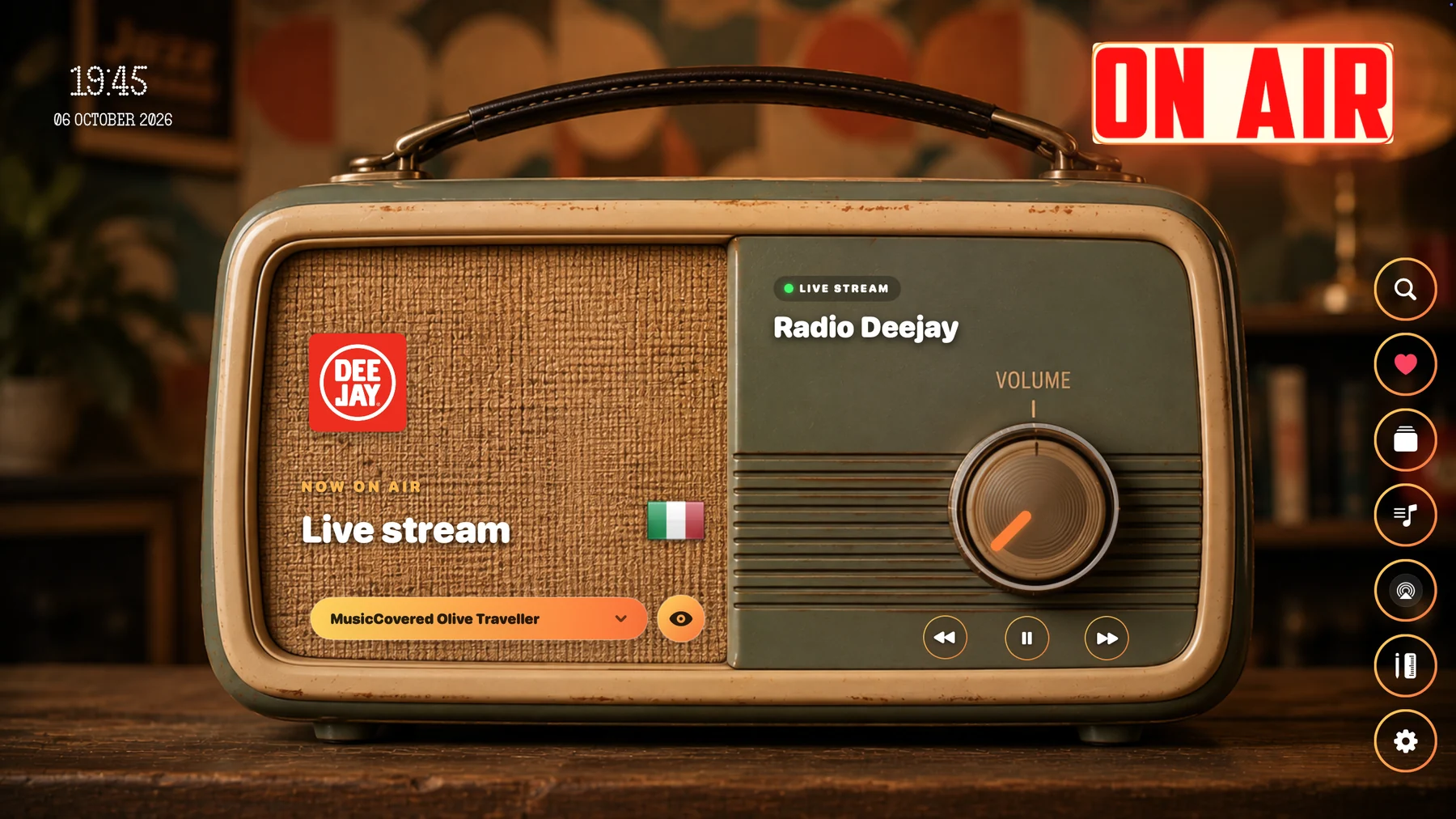
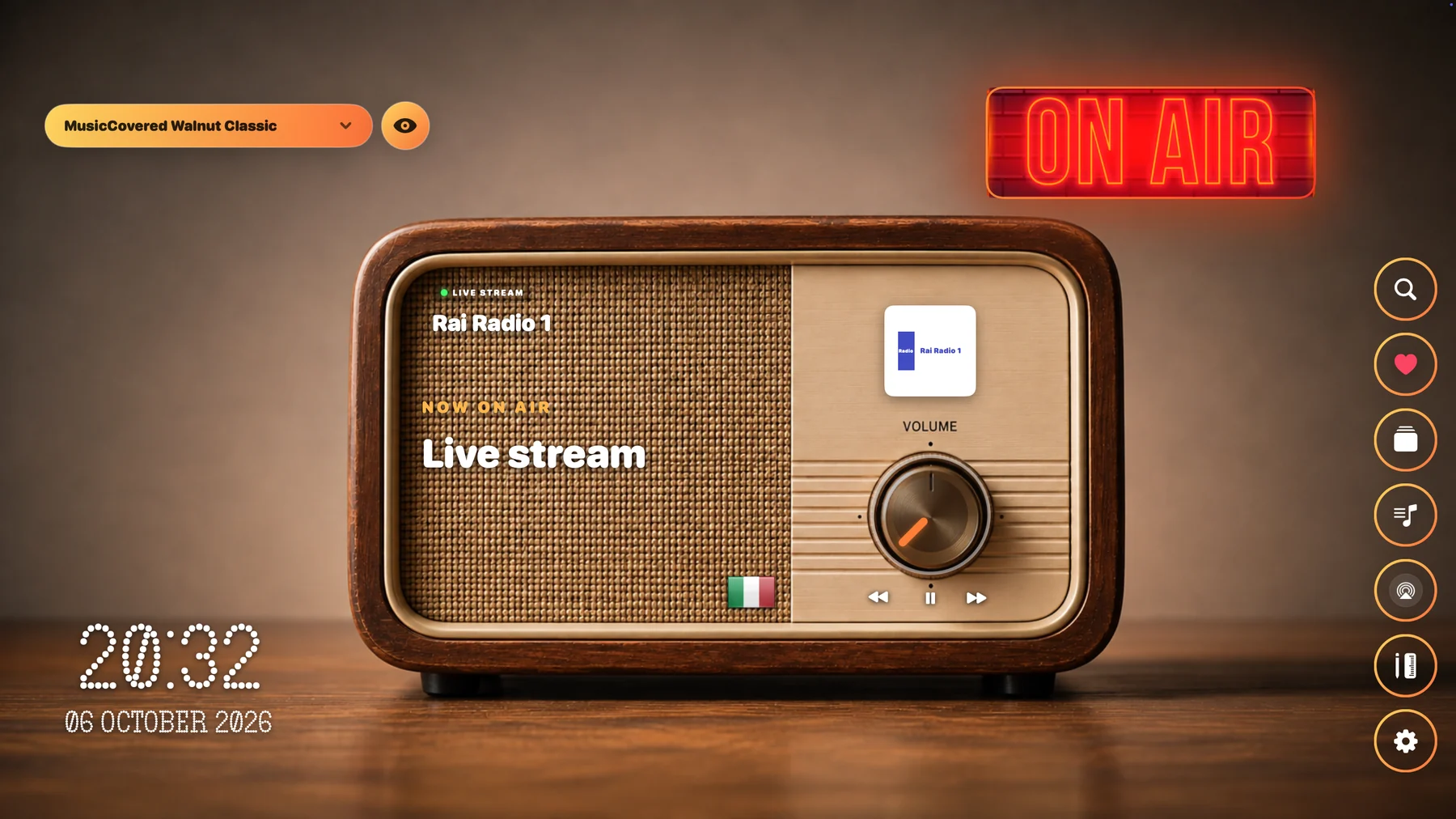
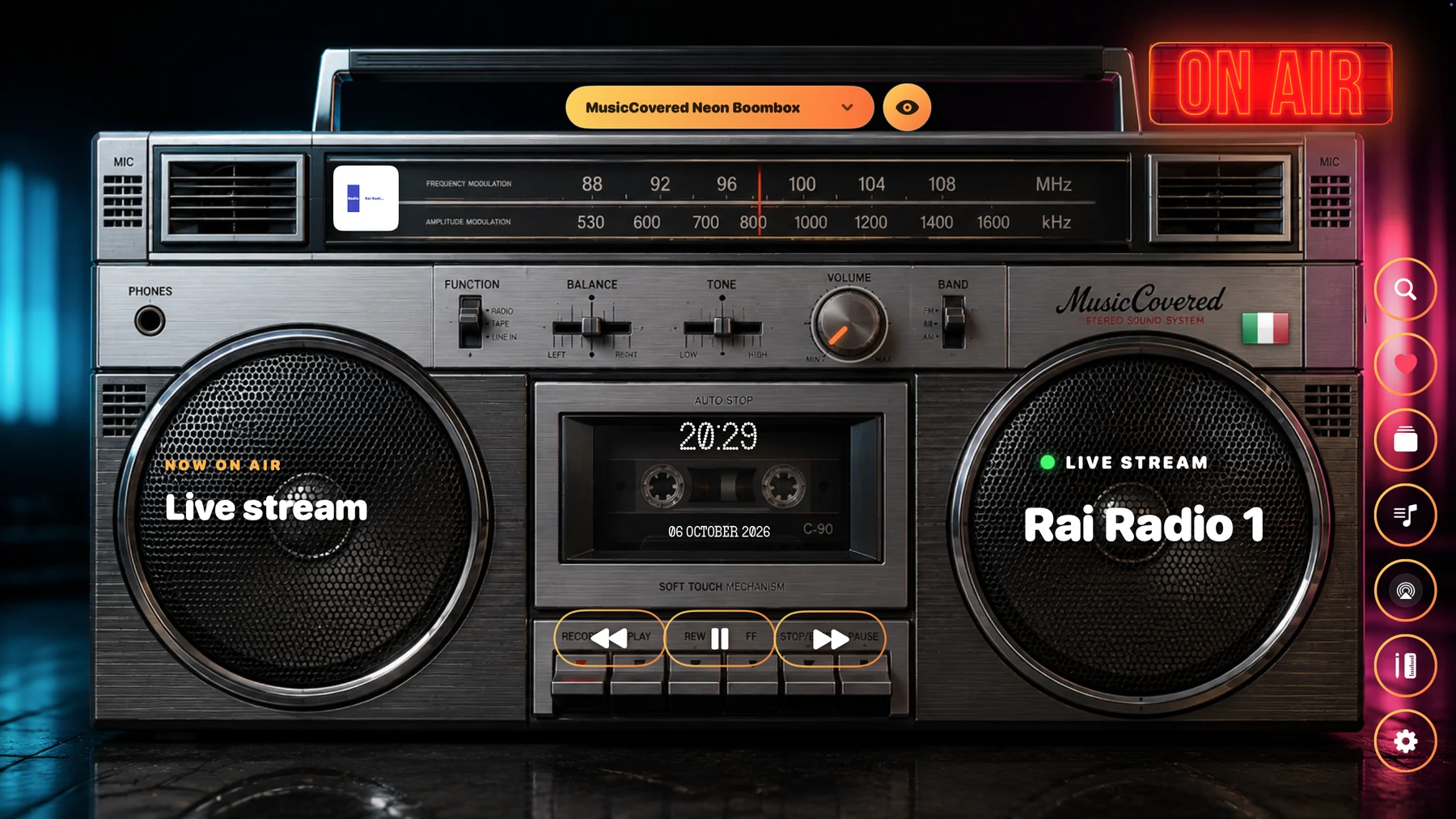
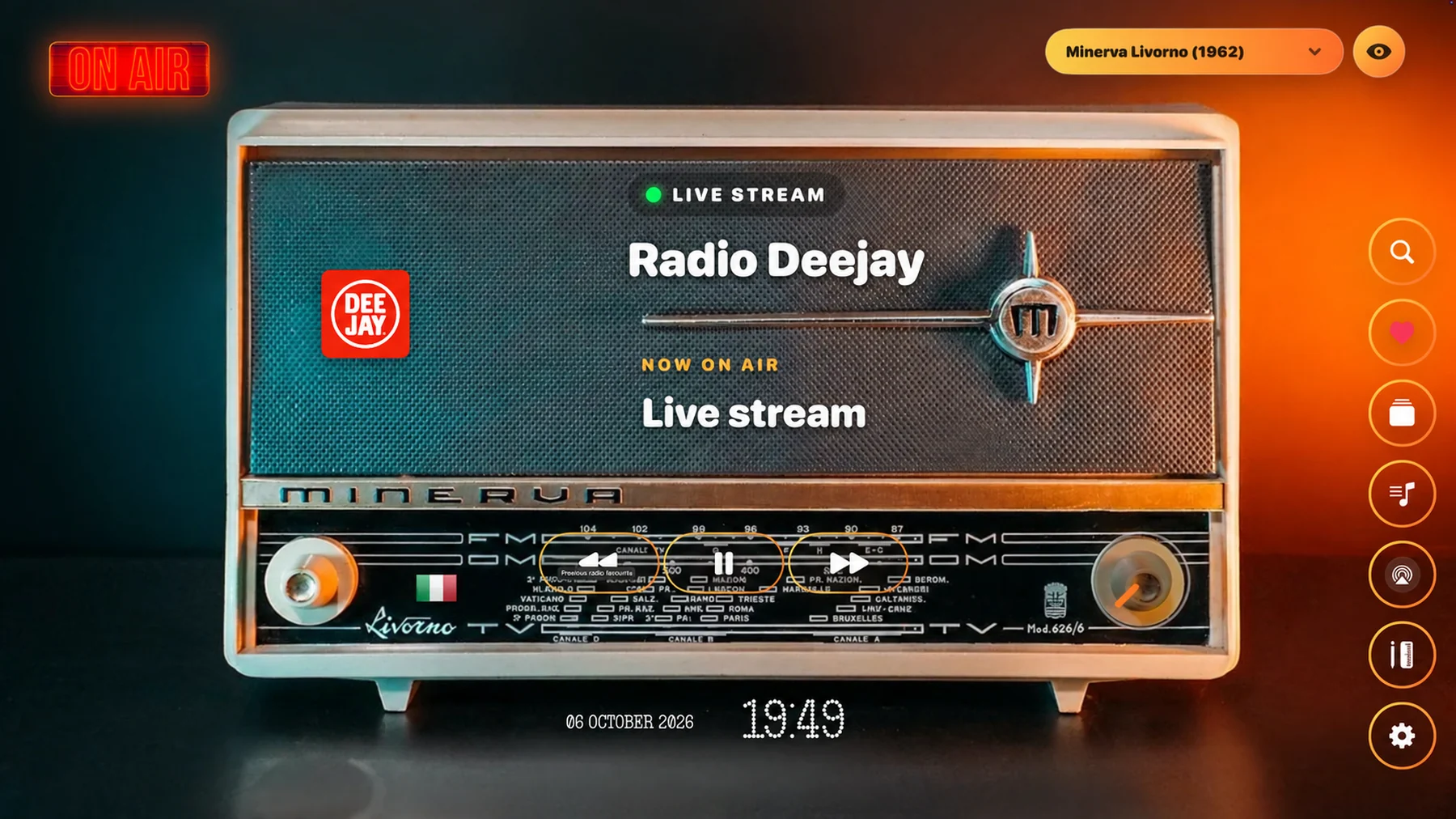
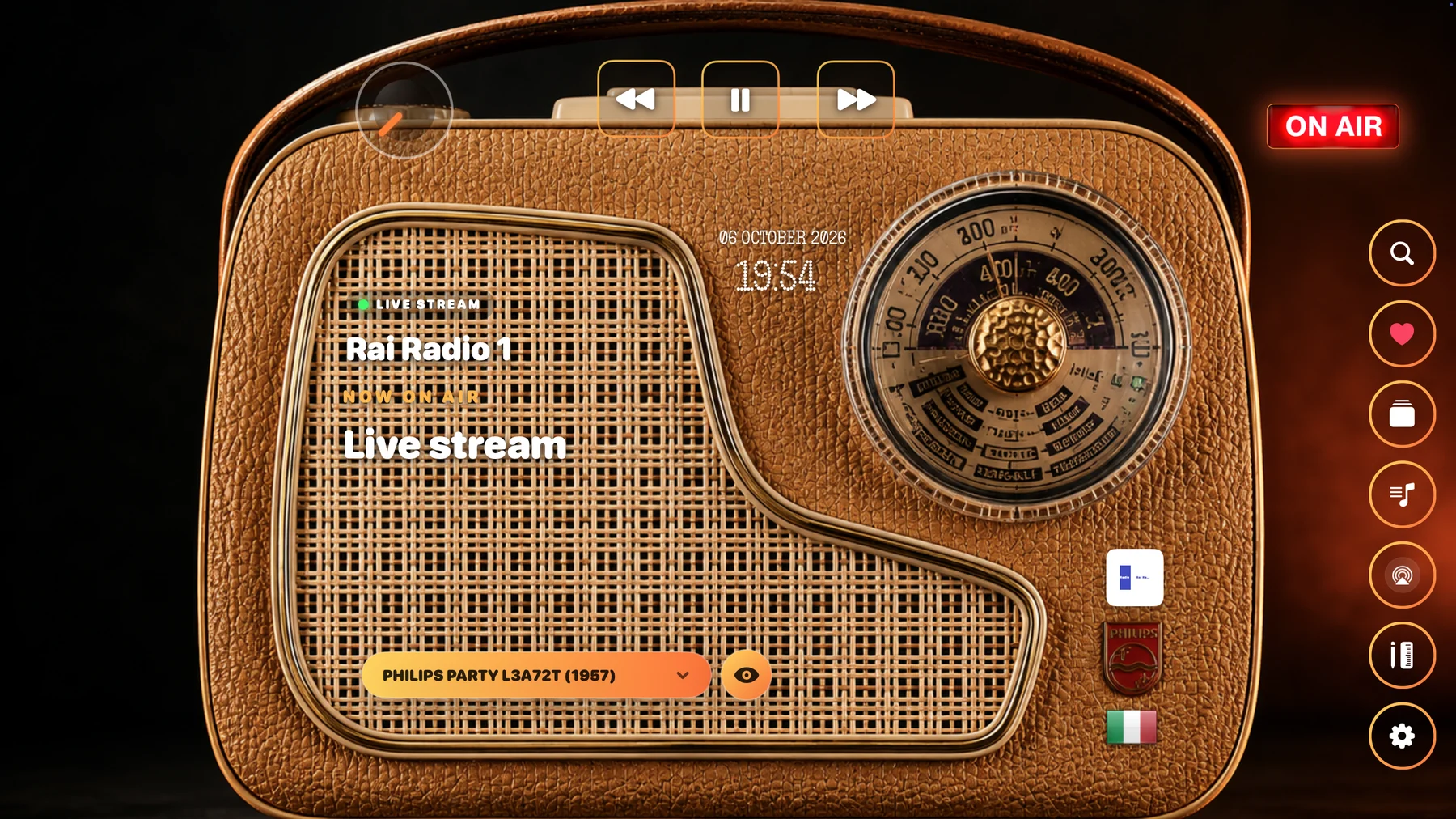
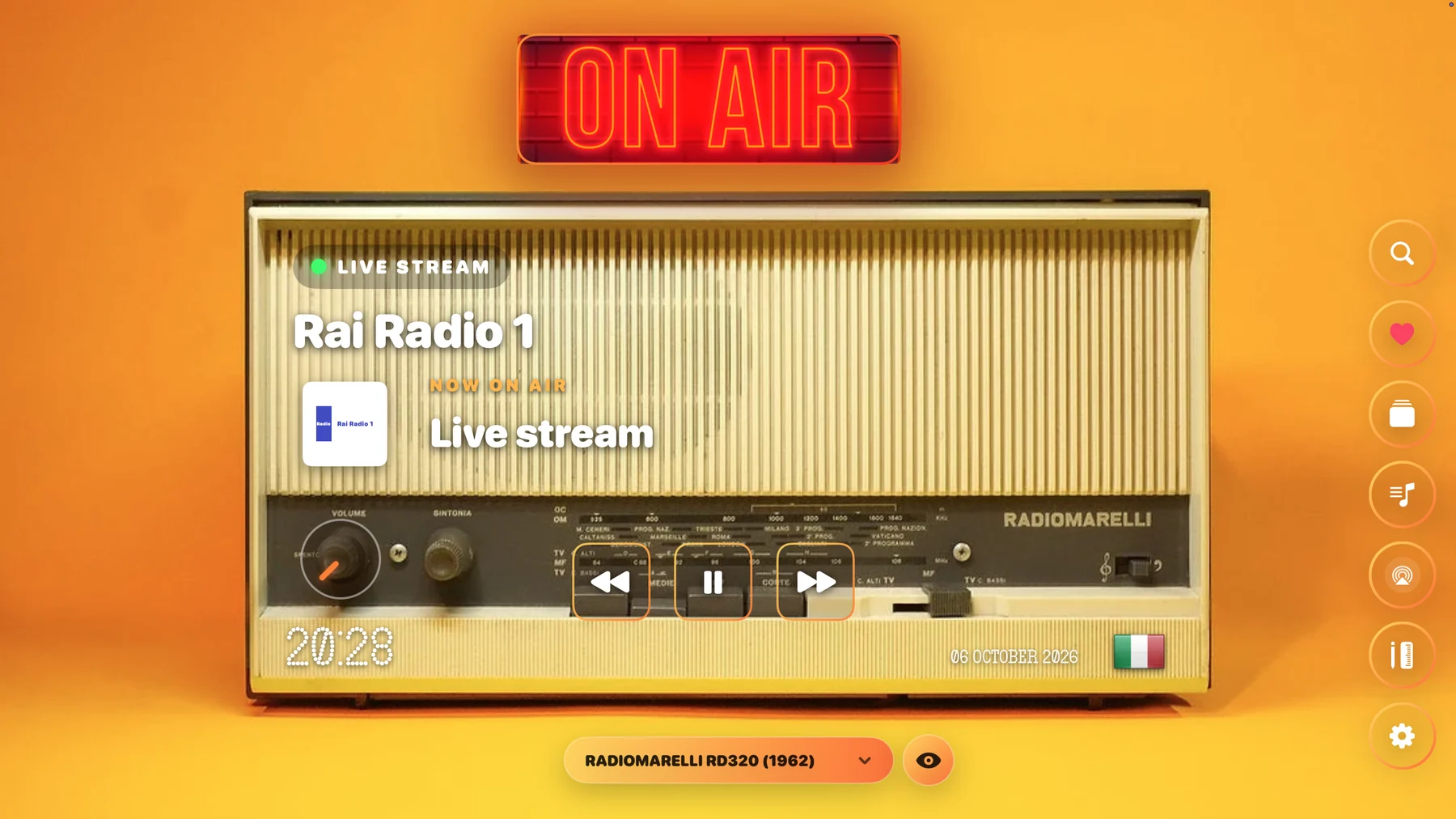
Listen to radio stations from all countries around the world. Bring the charm of a vintage radio to your listening experience, or turn a photograph of your favorite radio into an interface that feels entirely your own.
Explore stations from every country and enjoy music and broadcasts from across the globe.
Start listening with the app's original, fictional vintage radio designs, inspired by the character of classic radios.
Import as many radio photographs as you like as listening backgrounds, and switch between them to suit your mood.
Move volume, station switching, skip, and other virtual controls freely. Place them over the knobs and buttons in your radio photograph.
Each background keeps its own control positions. Customize every radio individually and return to the layout you created.
Back up your backgrounds and each radio's personalized control configuration, then restore your collection without starting over.
Have questions, or need support? Get in touch with us!


